 0800 328 1088
 Mon - Fri From 9am To 5pm


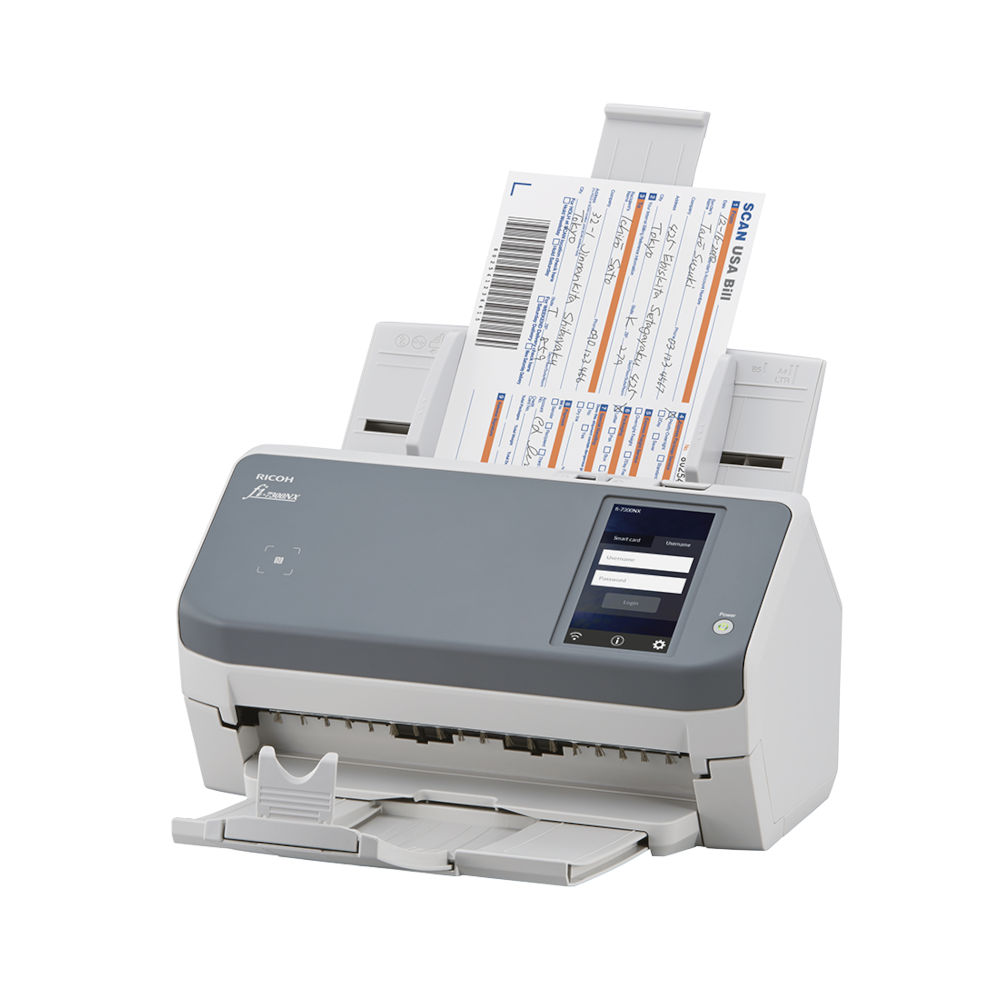
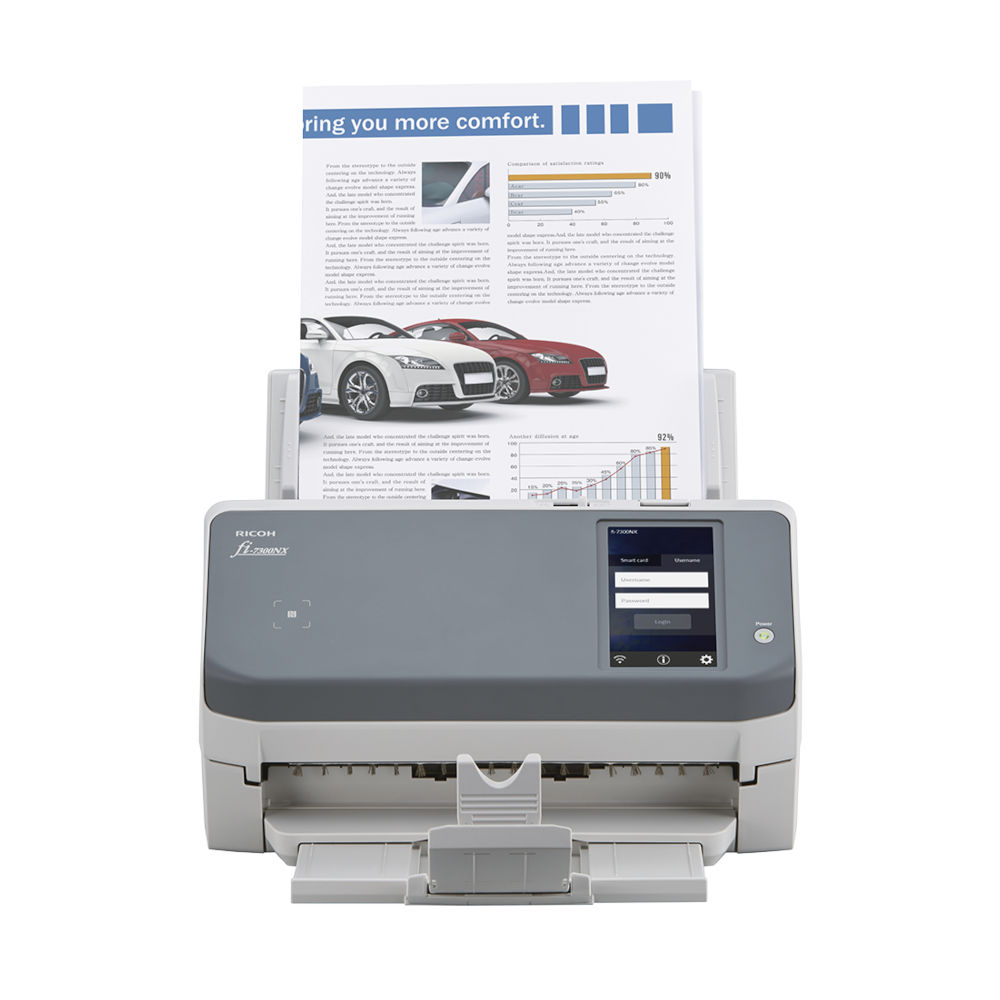
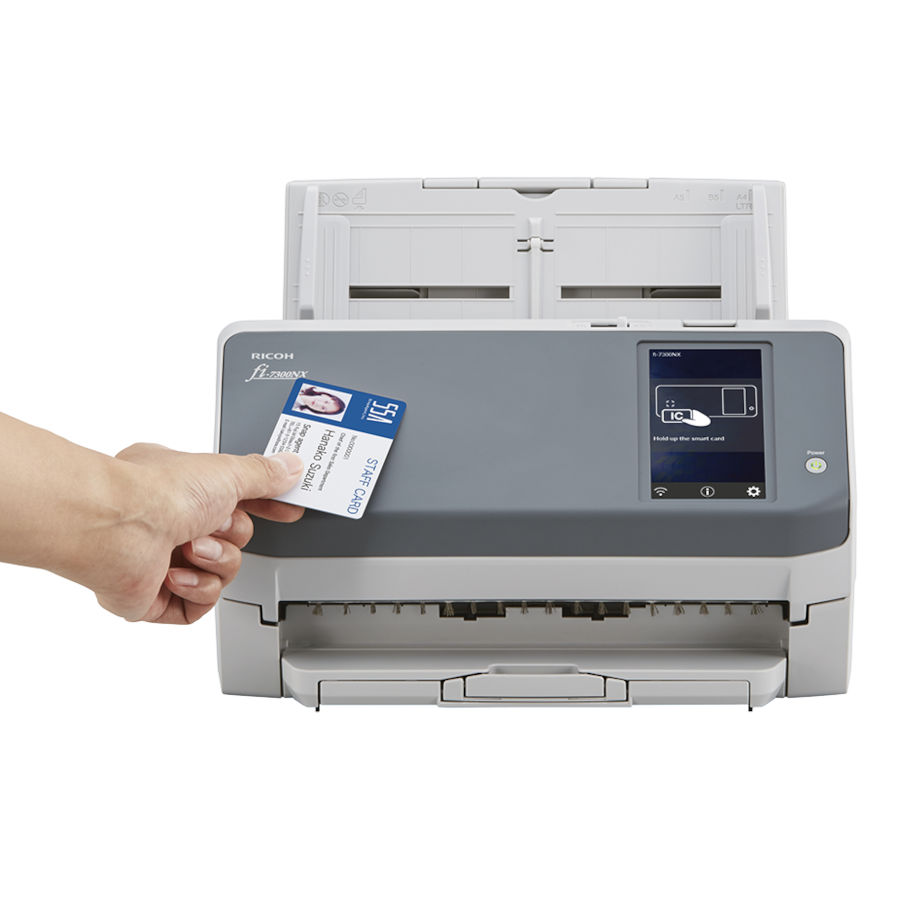
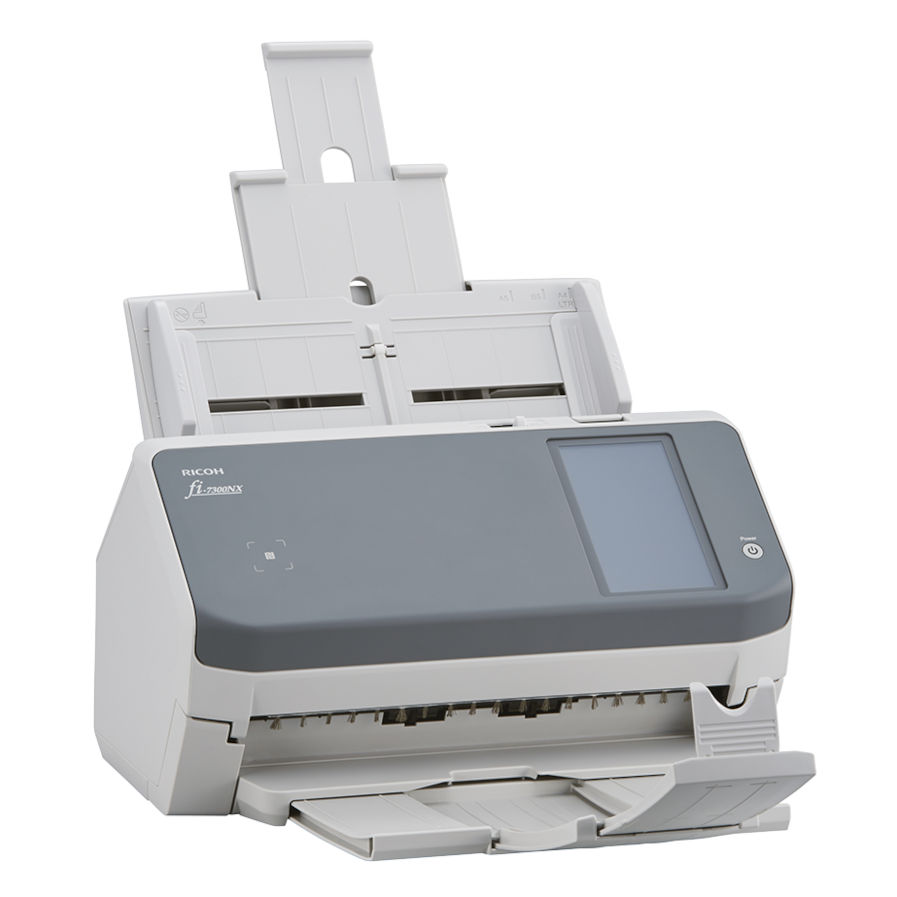


The Ricoh fi-7300NX Network Scanner Provides Flexible, Cost-effective Network Capture for Organisations with Distributed Teams and Scanning Needs.
Built upon the world’s most trusted scanning technology, the fi-7300NX comes with PaperStream NX Manager server software to centralise management and reduce operational costs.
The fi-7300NX boasts a speed of 60 ppm/120 ipm (200/300 dpi) for scanning A4 portraits, loads up to 80 sheets at a time.
Ricoh FI-7300NX Key Features
- Seamless Integration
- Scan Without The Computer
- User-Friendly Hardware
- Connection Methods For Your Environments
- 4.3 inch Touch Screen
- Scan from your Smart Device
- 3 Types of SDK to Suit User Environments
- PaperStream NX Manager and Scanner Central Admin for centralised management

Seamless Integration
Users can begin scanning from the scanner’s touch screen or from various applications on smart devices to suit all business needs. Not only is direct data transfer to client-unique web systems possible with SDK use, but secure data transfer is also possible with strong data encryption.
The fi-7300NX was recently awarded Hardware Product of the Year at the DM awards 2020.
Scan Without The Computer
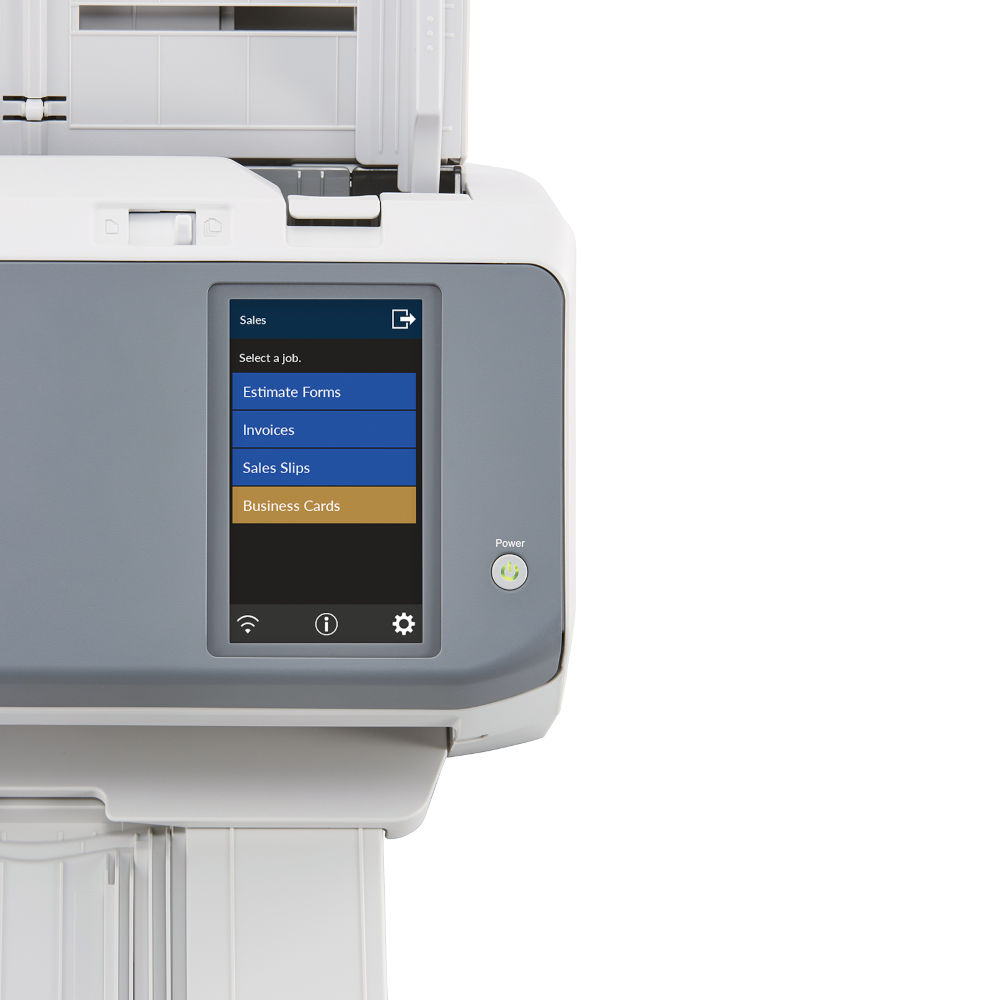
Users can scan and save documents without any requirement for a local computer. They can simply login to the scanner using user authentication and select a job from their personalised job menus on the fi-7300NX’s touch screen. Customised job menus ensure efficient and secure decentralised data entry is possible for each user. The fi-7300NX supports NFC (Type-A and Type-B) authentication and user authentication with username and password input on the touch screen. It is also possible for different job menus to be assigned to each scanner, and avoid any authentication processes.


User-Friendly Hardware
Consistent, high-speed scanning Inheriting the fi Series legacy of high-speed, consistent paper feeding, the fi-7300NX boasts a speed of 60 ppm/120 ipm for A4 size documents*1. Documents folded in half and carbon-copy sales slips are also an ease to scan with Manual Feed Mode. As the first standalone scanner in the world*2 to support Wi-Fi in the 5 GHz bandwidth*3, the fi-7300NX reduces potential stress from waiting time of data transfer.
*1 A4 size documents fed in vertically, 200/300 dpi. *2 Based on a study by PFU Limited on scanners with Wi-Fi connectivity (September 4th, 2018). *3 5 GHz Wi-Fi availability may vary across regions.
Connection Methods For Your Environments
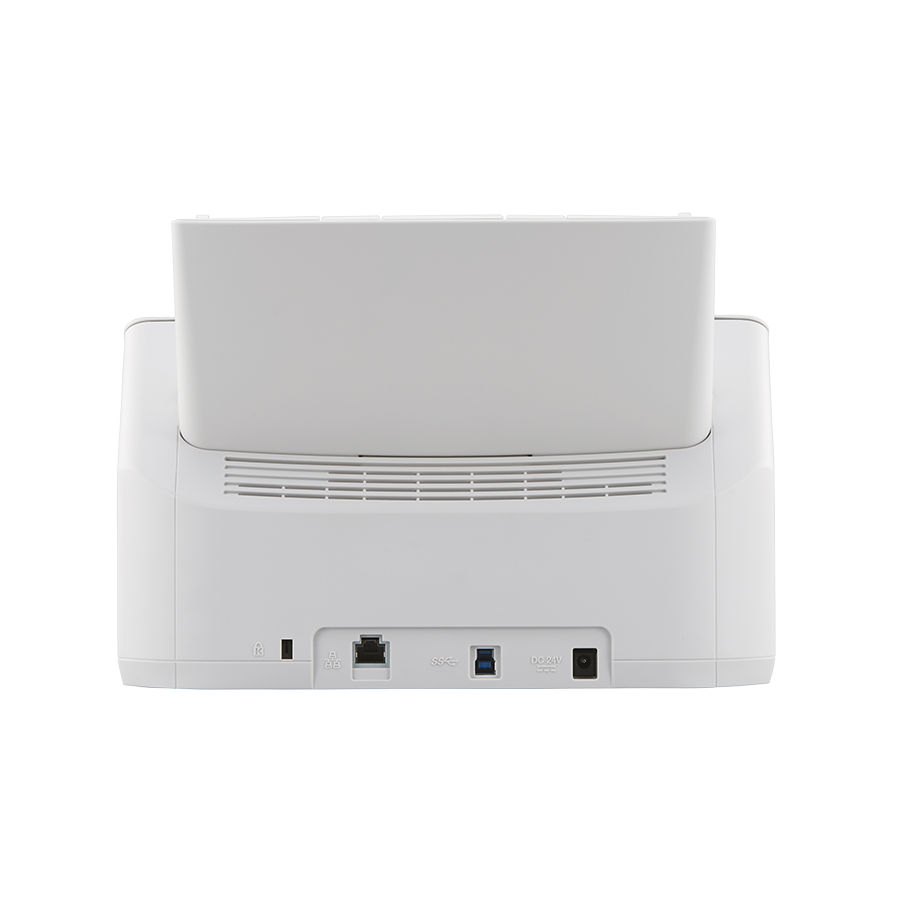
When scanning with computers, the fi-7300NX can be used with PaperStream IP, a specialised scanner driver for Ricoh image scanners, via Wi-Fi connection, wired network, and USB connection. Connection without need for the USB cable allows the scanner to be positioned wherever needed, to improve user productivity, reduce interruptions, and make more room for more frequently used equipment.
4.3 inch Touch Screen
The touch screen enables users to perform operations intuitively, like scanning and data checking, with thumbnail reviews of scans. The screen also displays messages or instructions with illustrations so that users can handle errors themselves.


Scan from your Smart Device
With PaperStream NX Manager, users can scan from mobile or web applications opened up on smart devices or thin client terminals. Seamless integration into company systems enables use of a variety of devices for scanning operations.

3 Types of SDK to Suit User Environments
The PaperStream NX Manager SDK is provided to enable integration with various client systems and applications. Developers can utilize suitable SDK for their clients who want to use their own systems.
- REST API
An interface for development of web applications that carry out scanning functions. With the REST API, web applications can call on the fi-7300NX to scan paper documents.
- Authentication API
An interface for development of applications that use the fi-7300NX’s authentication function. Not only can users link the scanner to NFC, but can also link the scanner with their currently used authentication server.
- Connector API
An interface for development of applications designed to link PaperStream NX Manager with various systems. With the Connector API, users can link to their business systems or OCR/document management software.

PaperStream NX Manager
PaperStream NX Manager is a server software that provides seamless integration with various client systems and applications. In environments with multiple scanners, it allows central management of user authentication functions, job menus, and other scan settings. Installation and operation costs are reduced significantly, and provide maximised business assistance and efficiency.
- Create and distribute jobs
- Scan from the scanner
- Scan from computer/mobile device/thin clients
- Various user authentication methods
- Send scanned images to client systems
- Monitor scanning status
Consumables & Options
- Consumable Kit -This kit makes it easy to ensure you have everything to hand to keep your scanner running at its optimum and minimise scanning downtime. Part number - CON-3670-400K
- Cleaning Kit -This kit comes with everything you need to clean your scanner inside and out to keep it running at peak performance for longer. Part number - CON-CLE-W72 or SC-CLE-WGD

Fi-7300NX Drivers
Fi-7300NX DriversFi-7300NX Manuals
Fi-7300NX User GuideOptions, Accessories & Consumables
Learn More About Our Support Products ⓘ
Scanner Hire
Scanner Hire Information ⓘ
Business & Public Sector
sales@responsets.co.uk