 0800 328 1088
 Mon - Fri From 9am To 5pm



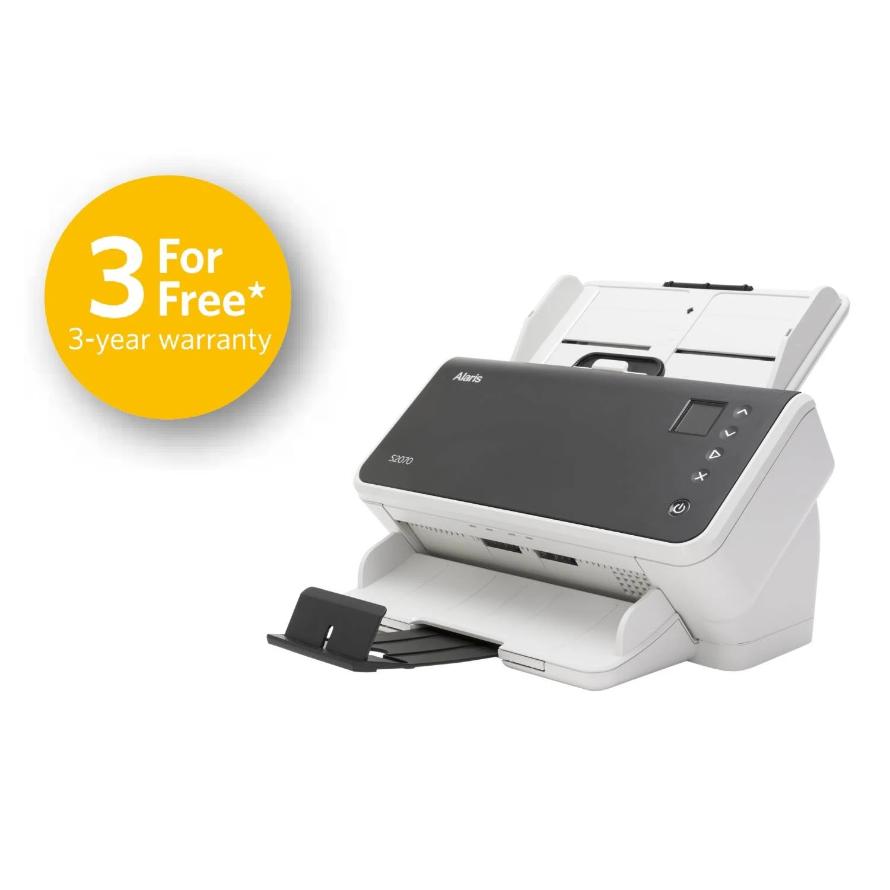
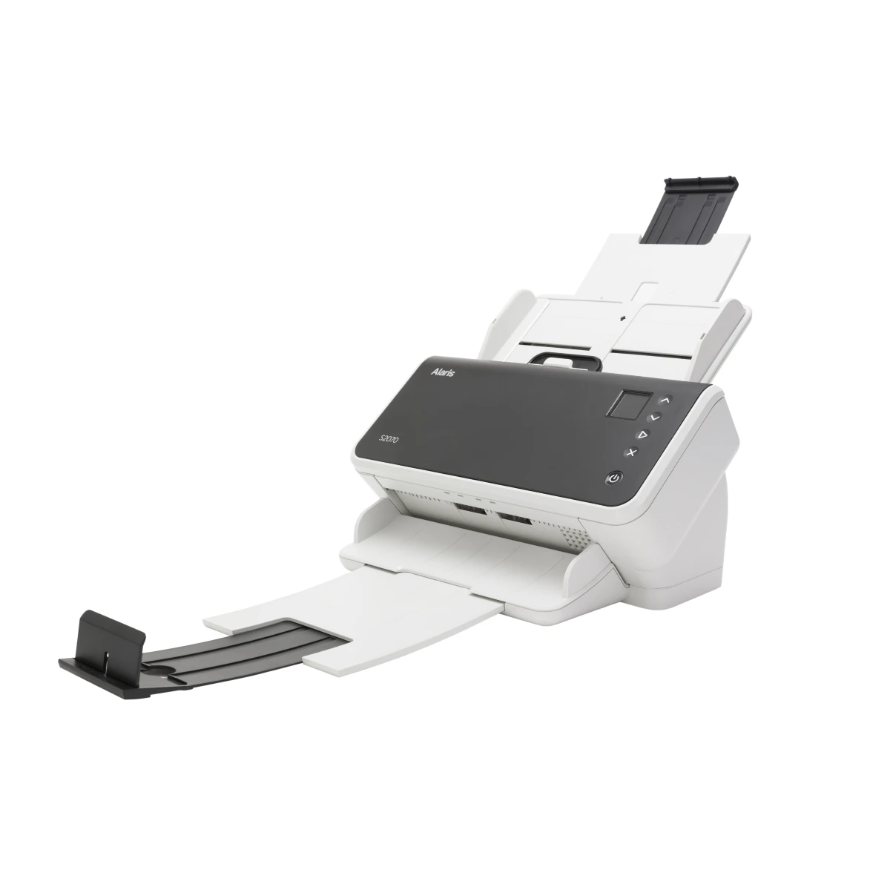
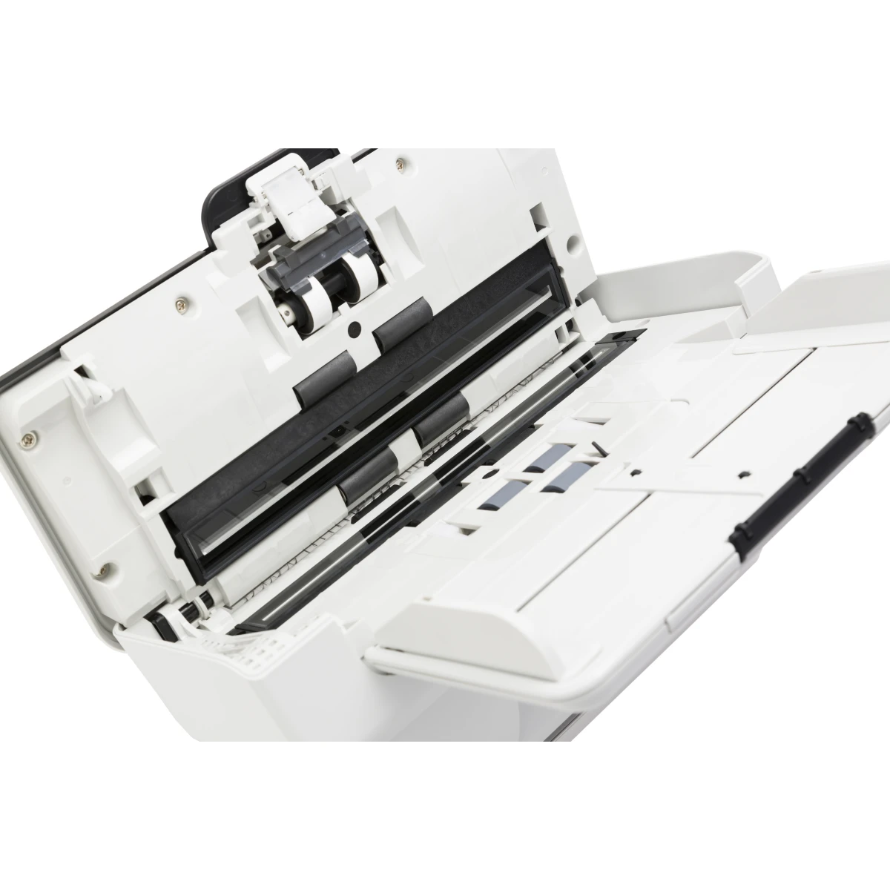


The Kodak S2070 Scanner is Built to Let Anyone Capture Information Anywhere, with Superior Image Quality and Data Accuracy
The S2000 Series Scanners deliver ease of use and convenience, intuitive interfaces, easy setup and management. Short cuts, buttons, and other ease-of-use features are built into our hardware and software solutions for a more intuitive user experience.
Kodak S2070 Key Features
- Embedded Image Processing
- Active Feed Technology
- Intelligent Document Protection
- Intuitive User Display
- Optical Character Recognition
- Free 3 Year Standard Warranty (Next Day Advanced Unit Replacement)
- Capture Pro Limited Edition & Smart Touch
- Optional Flatbed Accessories
- Web API - Integrates your business application to the scanner without need of a driver
Embedded Image Processing
Save money at all steps in the scanning process, with innovation that takes out overhead costs. Embedded Image Processing delivers crisp, high-quality images at full speed without depending on a super-powered PC. Intelligent features help reduce manual pre- and post-scan tasks.
Active Feed Technology
Keep working without worrying about jams, thanks to a paper path built for exceptional reliability. Active Feed automatically jogs pages to avoid misfeeds. Maintain maximum uptime with SurePath Paper Handling. Controlled Output stacking neatly places pages in the output tray
Intelligent Document Protection
Intelligent Document Protection prevents jams and saves docs from damage; Intelligent Barcode Reading for faster, accurate data extraction; Intelligent Exception Processing to instantly validate form
Intuitive User Display
Start up faster and stay productive with ease-of-use features. Install preconfigured settings in seconds using the award-winning Easy Setup feature. The intuitive color displays make scanning quick and easy. Save up to 20 job setups and destinations with one-touch scanning
Optical Character Recognition
Get the right information the first time, with OCR read rates that are 10% more accurate than competitive devices. Perfect Page technology delivers superior image quality with 30+ enhancements automatically for more accurate image extraction.
Free 3 Year Standard Warranty
With a 3 Year warranty as standard (Advance Unit Replacement with next business day response time) Kodak scanners offers substantial long-term value, peace of mind, and operational continuity for businesses and personal users. You have total confidence that your equipment is backed by reliable manufacturer support.
Capture Pro Limited Edition & Smart Touch Software
Deliver information exactly where it needs to go, in the right format. Your documents can go anywhere you need: local or network folders, FTP, cloud destinations like SharePoint, or other ECM systems. Perform up to nine different scanning tasks with the push of a button. Including PDFs, attaching documents to emails, or sending scanned files to Cloud Services.
Optional Flatbed Accessories
The S2000 Series Scanners are designed to ‘dock’ on top of the Kodak Passport Flatbed Accessory or the A4 Flatbed Accessory, offering a quick and easy solution for scanning passports, ID cards, bound or fragile documents. Thanks to seamless TWAIN and ISIS-driver integration there is no need to use multiple scanner drivers.

Included Software
Smart Touch
Kodak Capture Pro Software Limited Edition
Optional Upgrade Software
Kodak Capture Pro Software
 Kodak Capture Pro Brochure

S2070 Drivers
Kodak S2070 DriversS2070 Manuals
Kodak S2070 User GuideKodak S2070 Warranty, Software, Accessories & Consumables
Learn More About Our Support Products ⓘ
Scanner Hire
Scanner Hire Information ⓘ
Business & Public Sector
sales@responsets.co.uk