 0800 328 1088
 Mon - Fri From 9am To 5pm



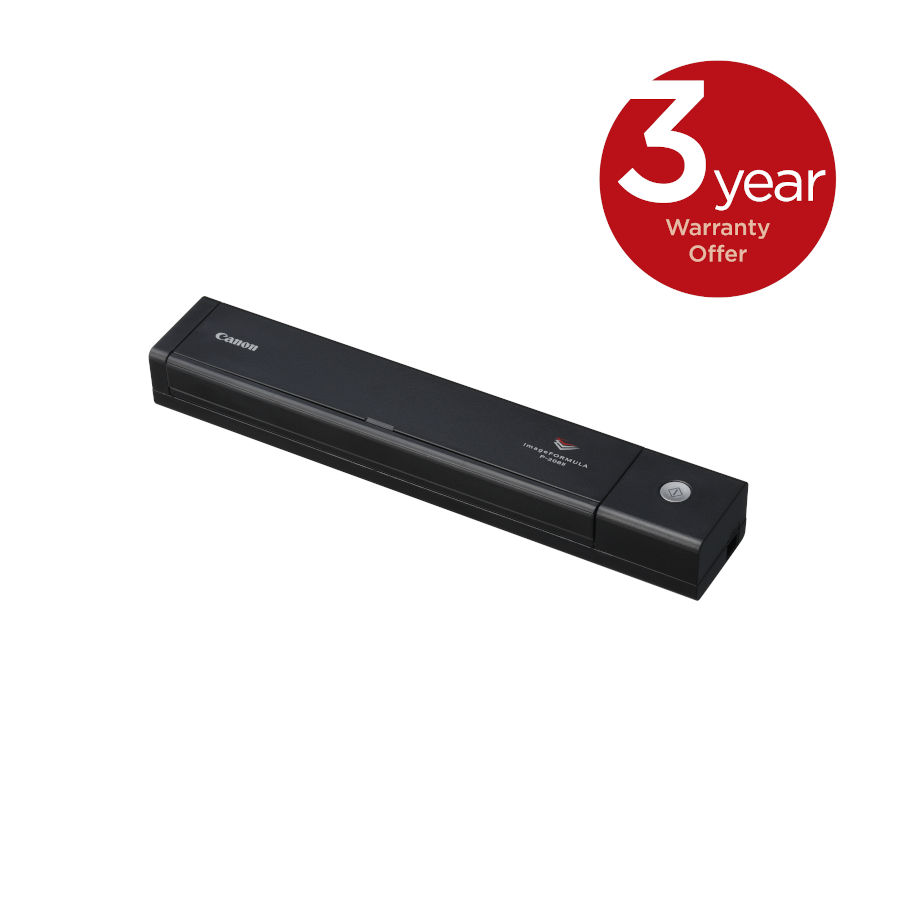
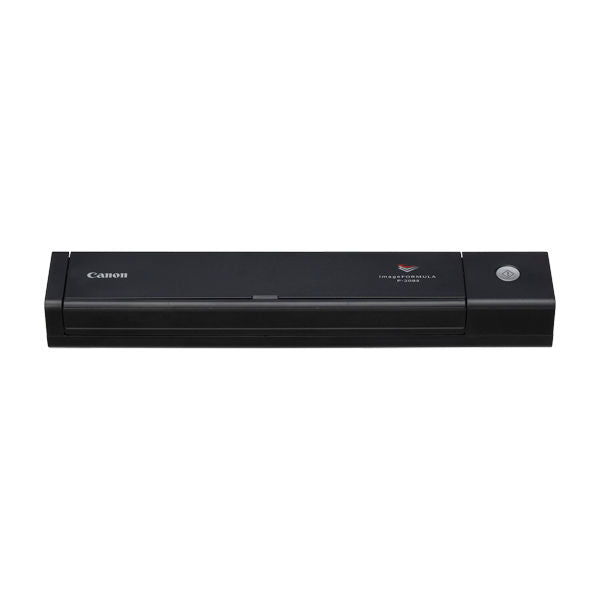


The ImageFORMULA Canon P-208II Portable Scanner is the perfect choice for travelling with and using at home. Light, ultra-compact and effortlessly portable, it’s USB-powered, with a 10-sheet ADF so you can easily batch scan - everything from household bills to important business documents - at a swift 16ipm double sided..
Canon P-208II Key Features
- 10 Sheet ADF
- Productive 16ipm Double-Sided Scanning
- Ultra-compact, Lightweight and Versatile
- Plug-and-Scan Convenience
- Scans Various Documents
- Easy-to-use Image Processing
- CaptureOnTouch Mobile App

Productive 16ipm Double-Sided Scanning
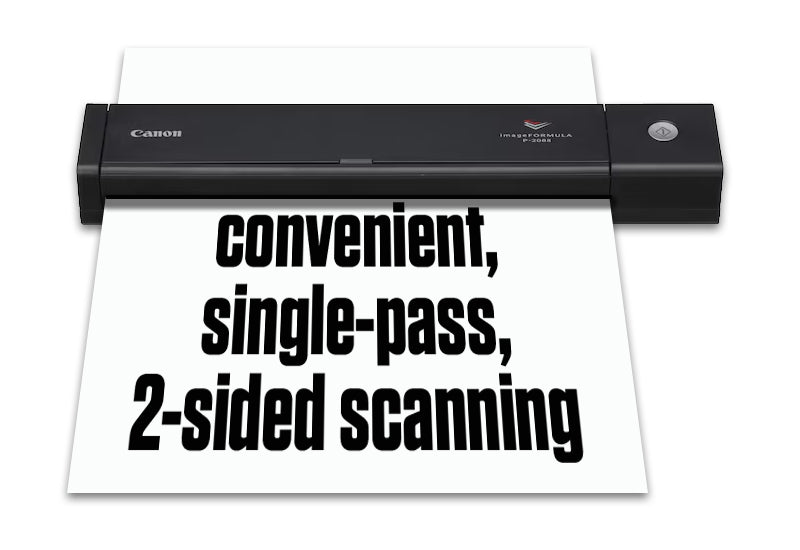
The tiny P-208II delivers impressive double-sided scanning speeds of up to 16ipm. The integrated 10-sheet ADF enables batch scanning for extra productivity: perfect for scanning contracts and associated documents.
Ultra-compact, Lightweight and Versatile
You can travel light with the P-208II as it has a footprint that's a little larger than a standard ruler and weighs only 600g. Powered directly via USB, it helps you maintain a high work rate anywhere in the home or on the road.
Plug-and-Scan Convenience
The stylish, compact and ultra-lightweight P-208II provides true plug-and-scan convenience. With CaptureOnTouch Lite built in, and no additional software or drivers to download, you can simply connect, scan and go. Scanning functions and an improved icon-based user interface mean you will enjoy an even more intuitive scanning experience. An extended choice of plug-ins for SugarSync, OneDrive and Dropbox, alongside Google Drive™, Evernote and SharePoint, make it easy to work with your favourite software tools.
Scans Various Documents
The P-208II can scan a variety of media, from A4 to irregular-sized documents like embossed card, so it’s perfect for mobile users. Get organised at home and make space by scanning your household bills; or preserve your memories digitally by scanning your old photos in high quality, using a special feature that reproduces images as close to their originals as possible
Easy-to-use Image Processing
The P-208II’s range of image processing features includes auto colour detection, text orientation recognition and text enhancement – to deliver high quality images and save valuable time. For convenient and intuitive scanning, use the Full Auto Mode feature that automatically applies the best settings for your document. Simply load up your documents and scan!
CaptureOnTouch Mobile App
The powerful CaptureOnTouch mobile app gives you the flexibility to scan direct to your iPhone®, iPad® or Android device. Save valuable time with double-sided one-pass document scanning. This free app is available for both iOS and Android devices.

Scanning speed
A4

Automatic
document feeder

Daily Scanning
Volume

USB
connection

Double-sided
scanning

Windows & Mac
compatible

Easy, intuitive
scanning

Plug
& Play

Wi-Fi
Option
Mac user
Please make sure you download the latest drivers/software from Canon.co.uk.
- Current TWAIN driver for Ventura / Sonoma / Sequoia / Tahoe V1.10
- Current Software version for Monterey / Ventura / Sonoma / Sequoia V4.15
- RTS cannot support any issues that arise from Installing Mac Drivers/Software
- Please contact Canon support for further information

P-208II Drivers
Canon P-208II DriversP-208II Manuals
Canon P-208II User GuideCanon P-208II Options, Accessories & Consumables
Learn More About Our Support Products ⓘ
Scanner Hire
Scanner Hire Information ⓘ
Business & Public Sector
sales@responsets.co.uk