 0800 328 1088
 Mon - Fri From 9am To 5pm


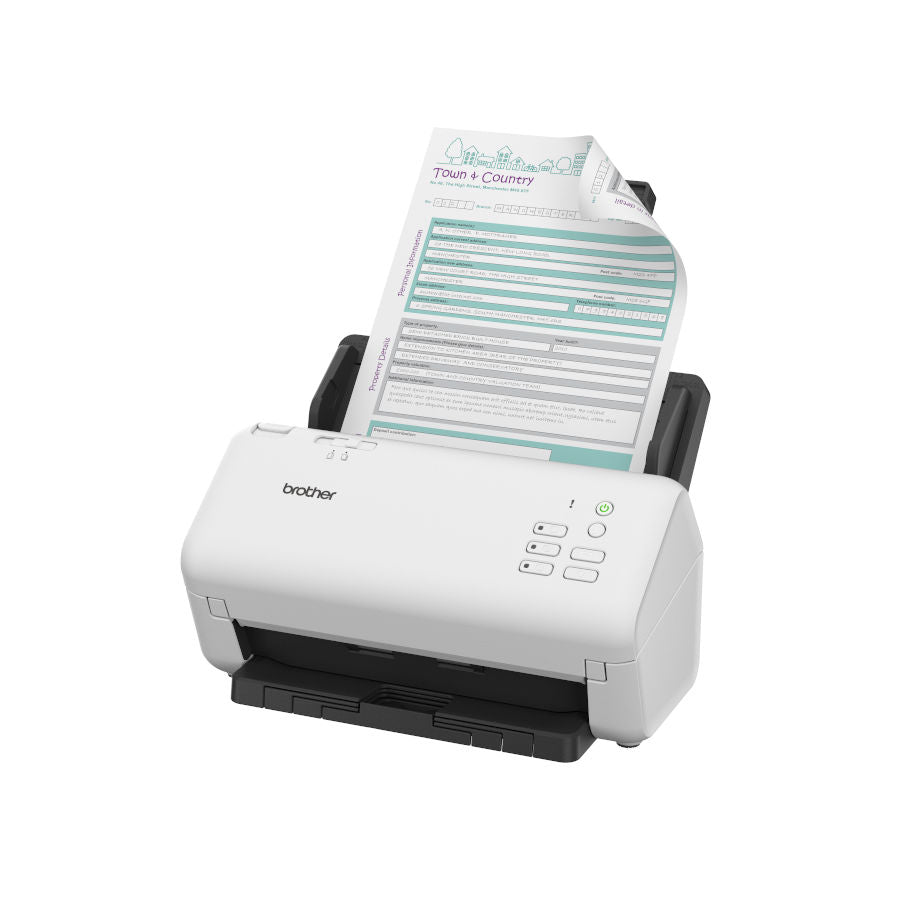
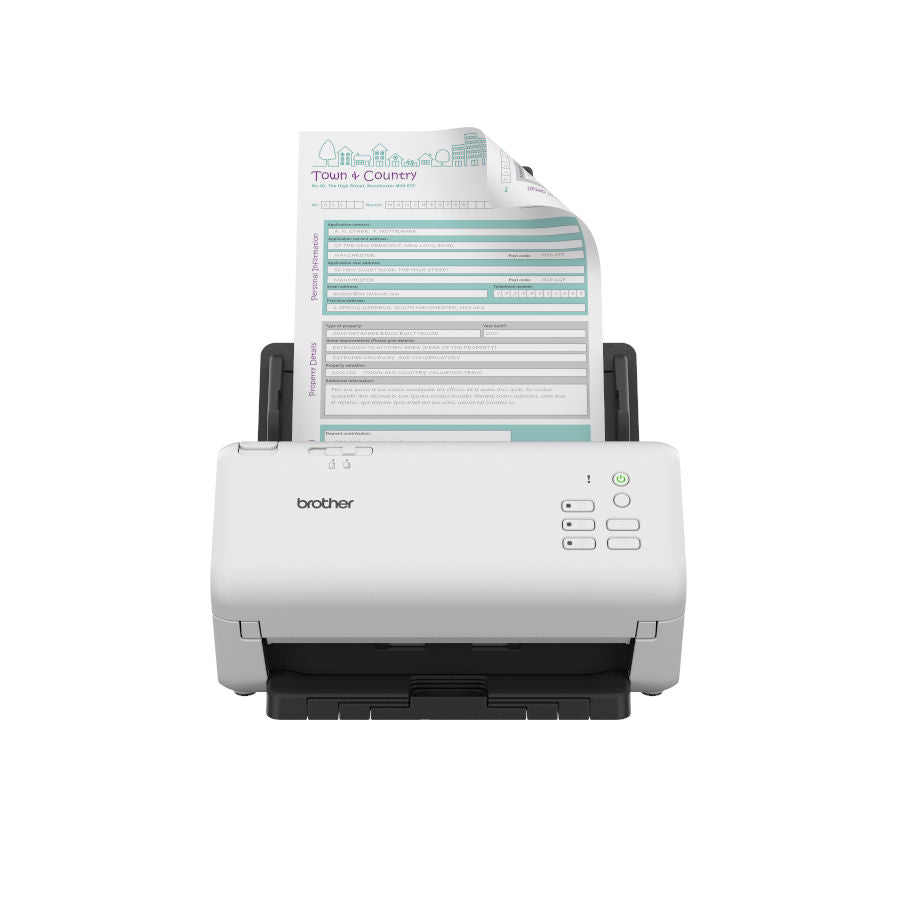
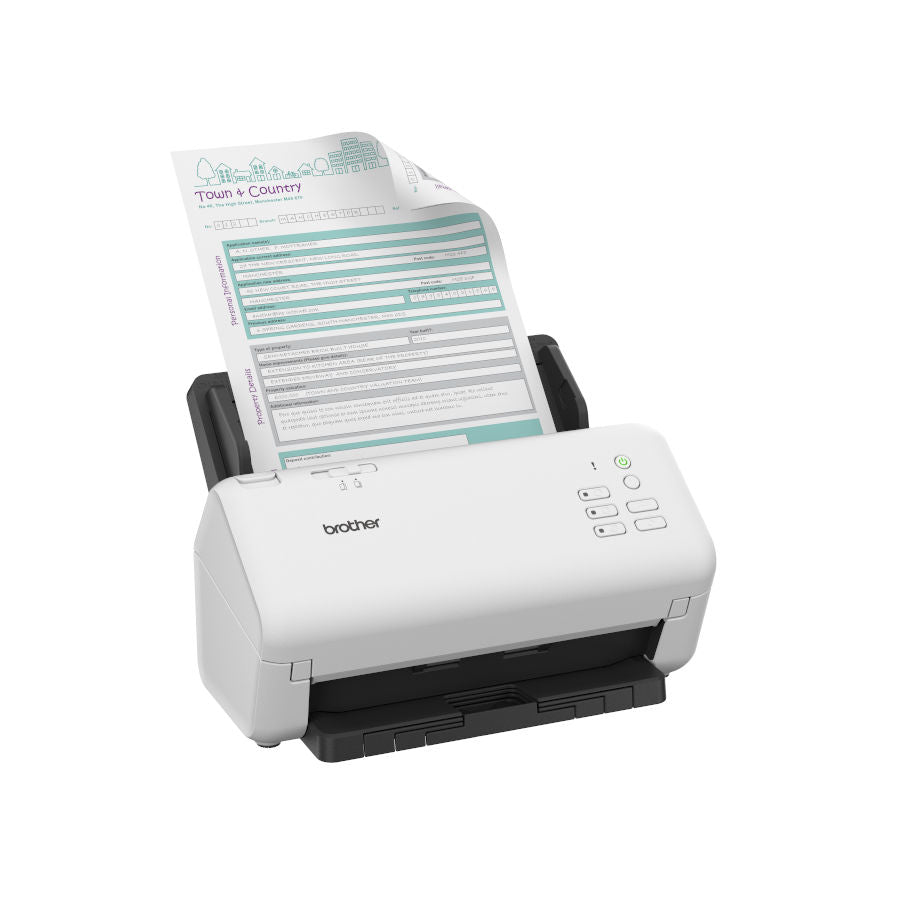


The Brother ADS 4300N document scanner is designed for businesses needing a high-speed, efficient network scanner. Connect your ADS-4300N to your network and effortlessly capture your documents to share and collaborate with colleagues.
Brother ADS-4300N Key Features
- Scan Up To 40ppm & 80 ADF
- Mixed Media Scanning
- High Volume Scanning
- Advanced Image Processing
- Industry Recognised Software
- Brother Scan-Eessentials Software
- Wired Network Connectivity
- Brother Mobile Connect App
Scan Up To 40ppm & 80 ADF
Scanning Up to 40 pages per minute / 80 images per minute, an in-built ultrasonic multi-feed sensor to eliminate misfeeds and has a large 80 sheet ADF capacity.
Mixed Media Scanning
Automatically scan different types of documents one after another. A range of documents from business cards to folded A3, with a variety of paper thickness from 40 - 200 gsm can be fed at the same time.


High Volume Scanning
Built for demanding, high-volume workplaces, Brother’s desktop scanners allow busy departments to batch scan and archive a larger number and variety of documents quickly and easily up to 6,000 sheets a day.
Advanced Image Processing
Enjoy effortless and impressive image capture and processing - from easily referencing and locating scanned pages with the digital imprinter, to optimising image quality through the automatic vertical streaks and moiré reduction tools


Industry Recognised Software
Increase post-scanning productivity with industry recognised software including Kofax and Newsoft, available as standard with device.
Brother Scan-Eessentials Software
As well as easily scanning and saving documents to network folders, ScanEssentials software provides you with additional features which you can tailor to your business. For added security, you can set up passwords and protect your workflows, with the option to save your documents in a variety of formats. The metadata function can also read barcodes or specific strings of text to easily facilitate the separation and file naming of documents.
Wired Network Connectivity
With gigabit ethernet for network connectivity, USB 3.0 and USB host, you can securely scan documents without the need for a PC.
Brother Mobile Connect App
Brother's Mobile Connect app enables the modern-day user to manage their scanner from a mobile device, along with a host of additional features. With a simple interface, and being able to scan from your mobile, Mobile Connect app and loyalty programme provides intuitive, time-saving and cost saving features to fit seamlessly into busy schedules.

ADS-4300N Drivers
Brother ADS-4300N DriversADS-4300N Manuals
Brother ADS-4300N User GuideBrother ADS-4300N Options, Accessories & Consumables
Learn More About Our Support Products ⓘ
Scanner Hire
Scanner Hire Information ⓘ
Business & Public Sector
sales@responsets.co.uk