 0800 328 1088
 Mon - Fri From 9am To 5pm








Warranty, Software, Options & Consumables
Learn More About Our Support Products ⓘ

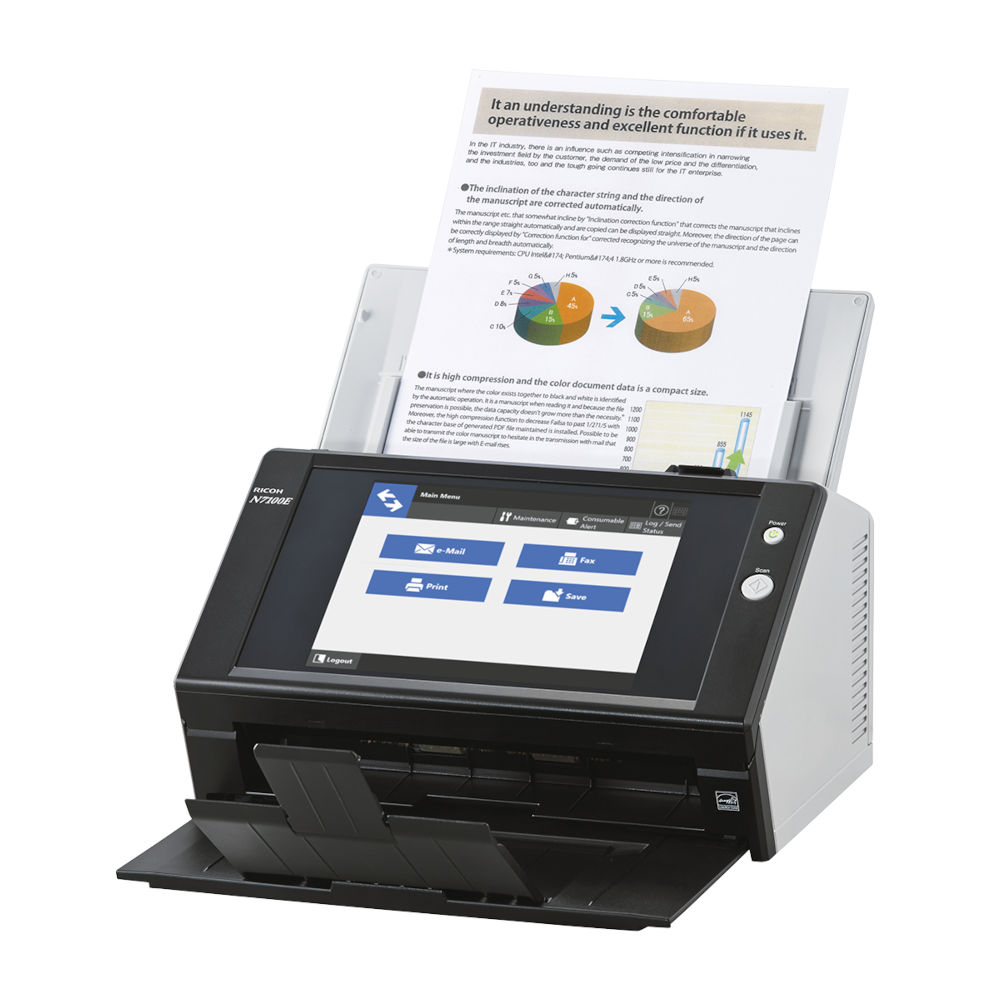
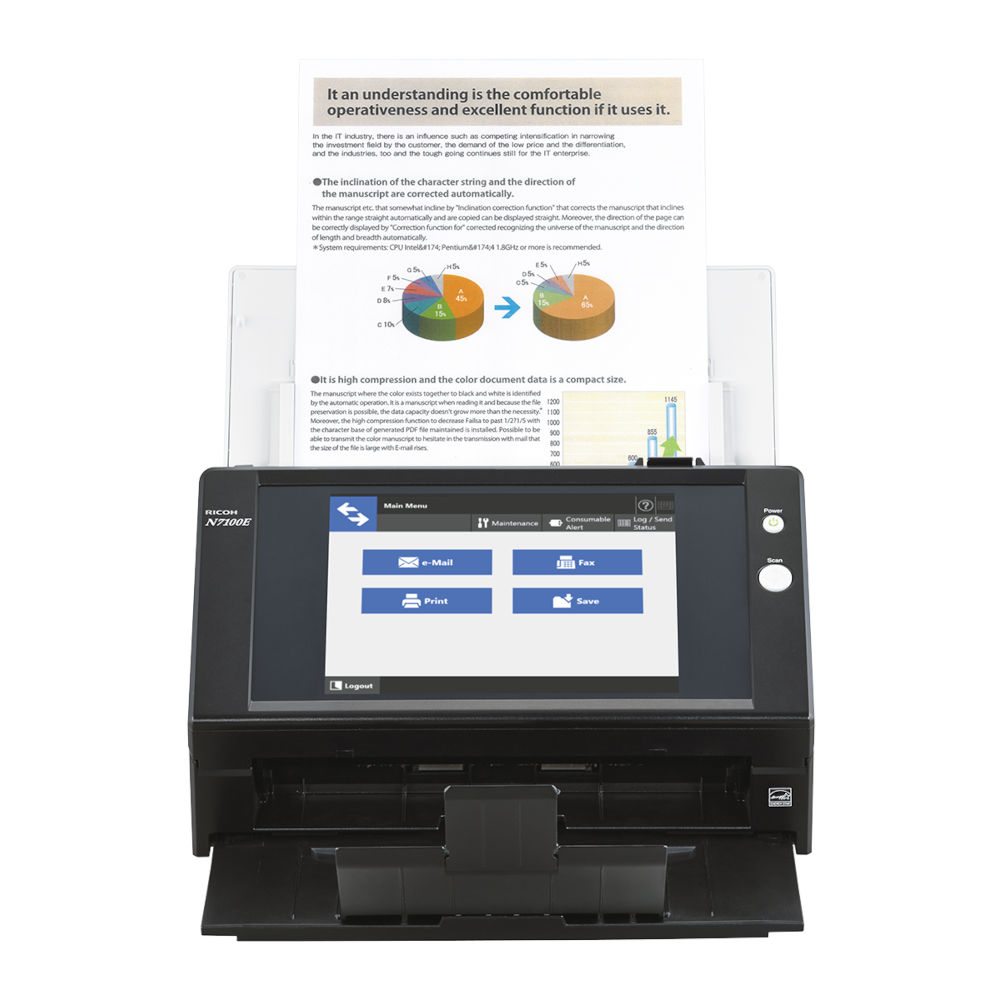
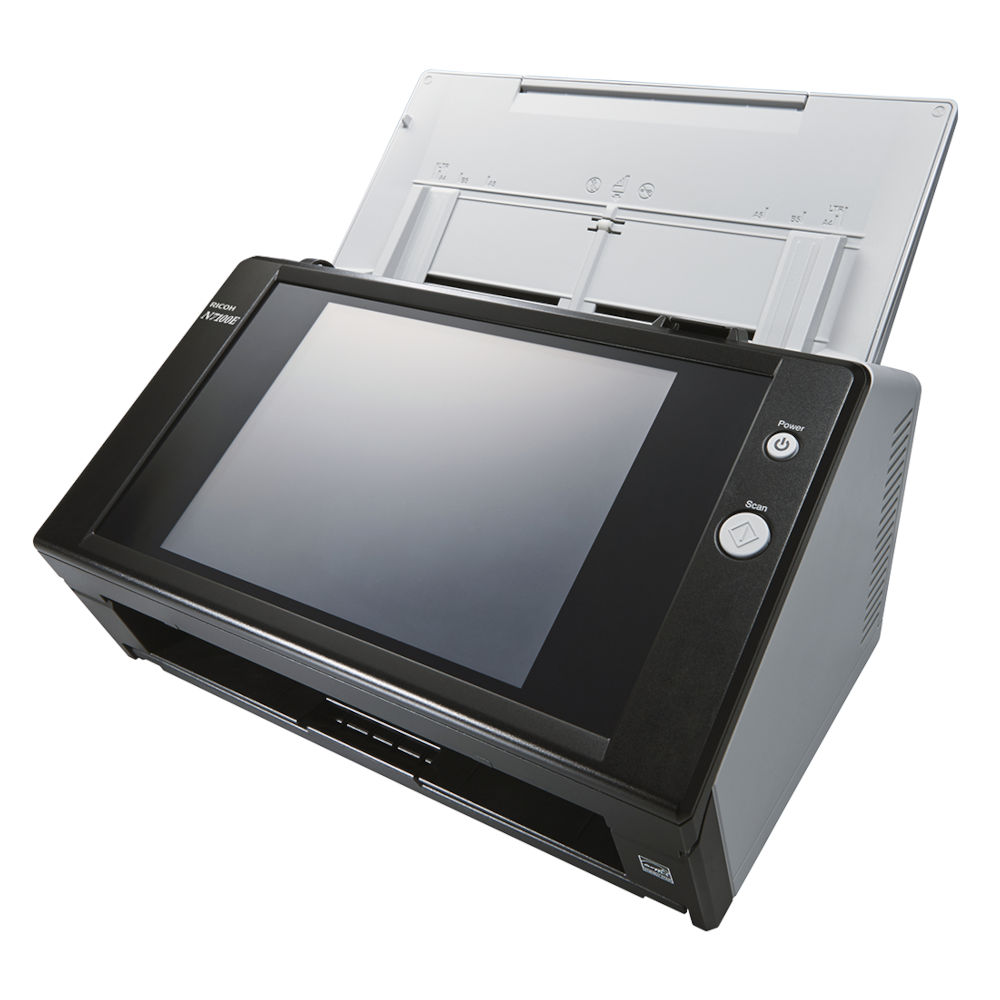
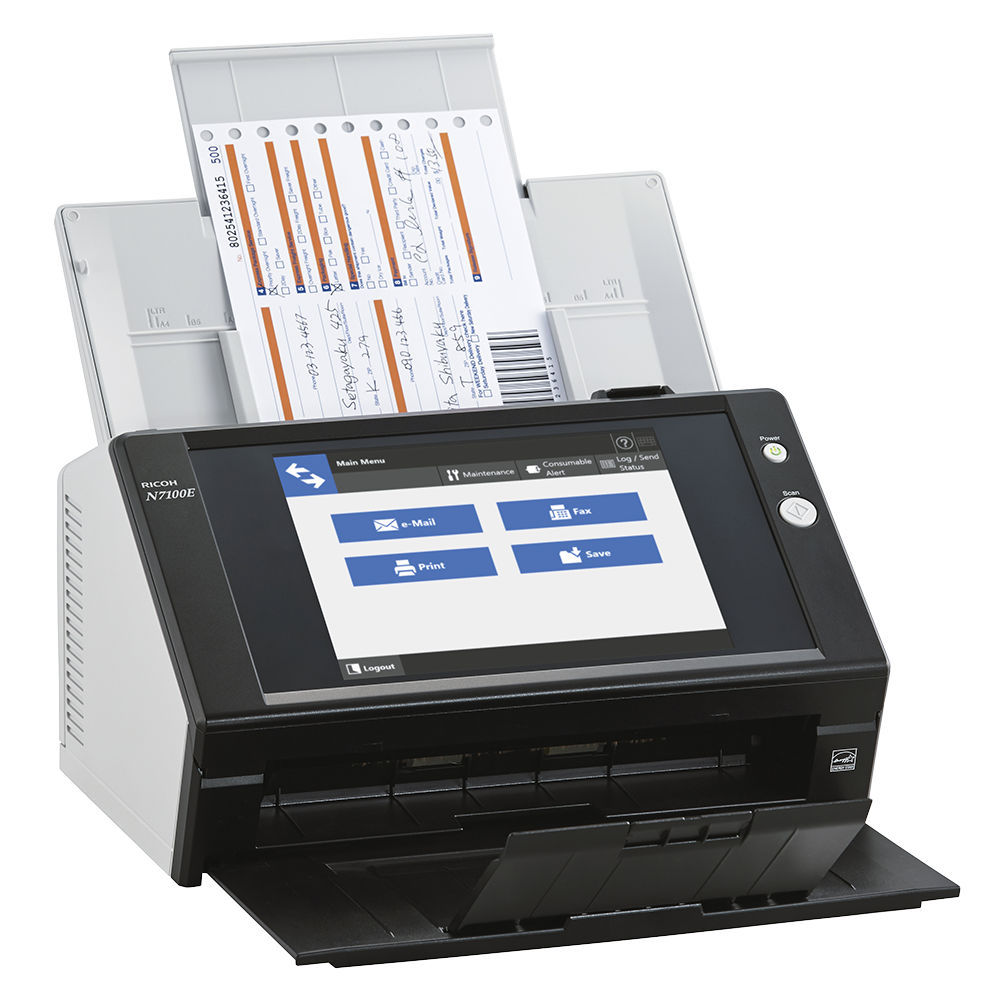
The Ricoh N7100E Network Scanner, Scan-Process-Store in One Seamless Flow, Based on Embedded PaperStream IP Technology
Versatile and User Friendly
- Fast scanning speeds of 25 pages per minute and double-sided speeds of 50 images per minute in colour, grayscale or black & white @ 300 dpi 50 page document feeder
- USB ports for keyboard or IC reader connectivity
- Large 8.4” touch screen high resolution (1024 x 768) display
- Scan to e-mail, folder/FTP, network fax or printer or Microsoft SharePoint Server Enterprise features*
- Central Administration Server software
- Job Menu’s based on individual user login to control scanning settings and destination(s)
- High security to assist with compliance and regulation
- SDK and optional third-party applications for integration with line of business systems
- Based on embedded PaperStream IP technology
*SharePoint compatibility limitations apply
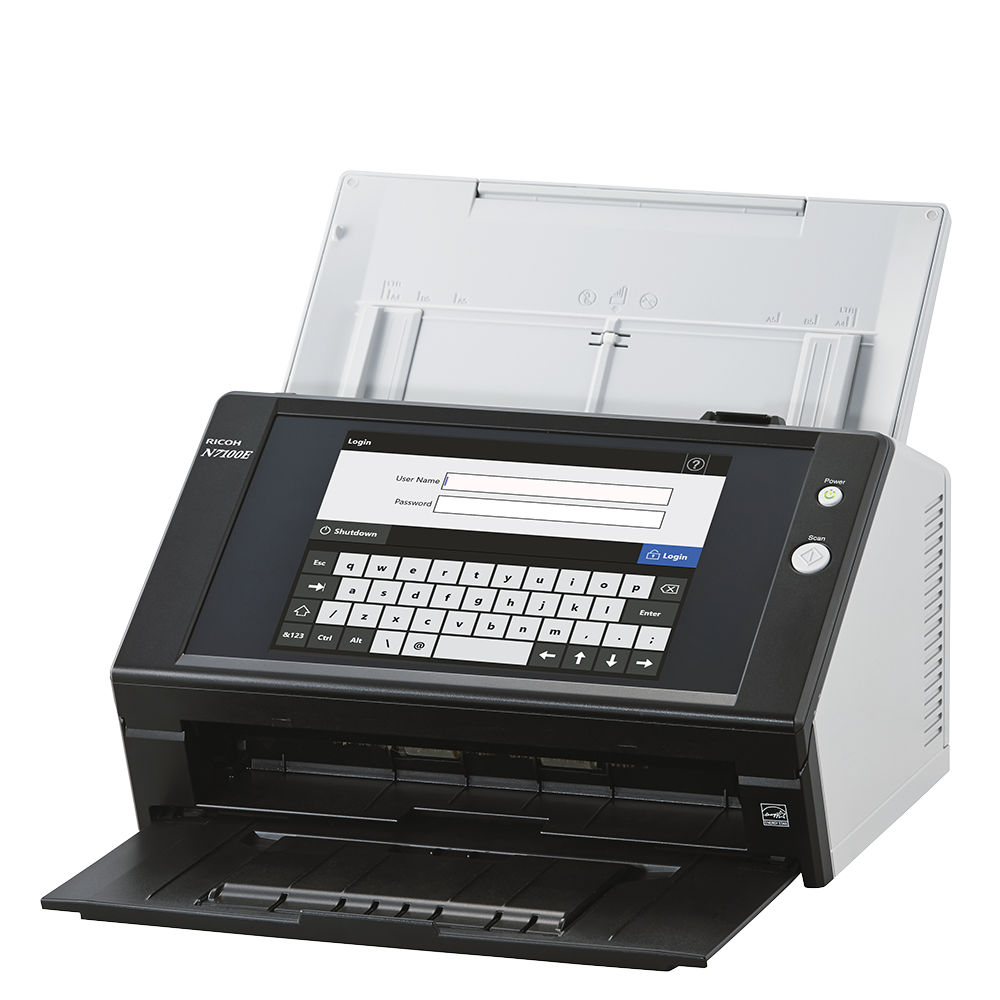
The Ricoh N7100E comes equipped with a large 8.4” high resolution XGA (1,024 x 768 pixels) touchscreen and an integrated on screen keyboard. Additionally and based on login credentials a variety of standardised scanning sequences as well as individually customised ‘Job Menus’ can be set up and geared around the requirements of an individual user, a user group or a complete department. This customisation can help establish an instant and secure control of any scanning settings and destinations to which information should be routed
The N7100E offers an impressive start up time, simple one button operability and feeding speeds of 25 pages per minute (ppm) that generate 50 images per minute (ipm) at 300 dpi from double sided paper documents. Additionally this scanner provides intelligent scanning features and automated image processing functions such as Automatic Colour Detection, Automatic Orientation, Blank Page Removal, Auto Deskew and Marker Index. These all help contribute to more efficient document processing day after day.

Network Scanner to Maximise Business Efficiency
With the functionality of many devices, yet the simplicity of one, the N7100E network scanner contains the qualities organisations of all sizes desire to improve business processes and maximise efficiencies.
Ideal for Large Enterprises and SMEs alike
- Powerful enhanced processing facilitates impressive capture, process and store speeds
- Space saving design
- Multi-functionality to reduce hardware costs Local user accounts
- Quiet operation
- Loaded with intelligent scanning features
- Outstanding price/performance
- Resilient security features
Intelligent Scanning and Digitisation
Advanced automated functions ensure the N7100E digitises your documents with remarkable precision and efficiency, powerful processors, first time perfect scan results and minimal user intervention helps set the N7100E apart.
- New active paper separation system for perfect paper feeding
- Loaded with a whole host of features to automatically create excellent image quality without the need to rescan
- Automatic page size detection and deskew
- Automatic page rotation, auto colour detection, auto blank page removal
- Intelligent scanning features enabled by default
- No need to compromise speed when using intelligent scanning features
- Ultrasonic double-feed detection


Job Menus and Job Buttons
Whether your documents are blank and white or colour, large or small or a combination, just press the Scan button on the N7100E touch panel to convert them speedily into digital data. With the scanner connected to a network, you can directly save and share the digital data through a network resource, including via a cloud service.- One button scanning
- Multiple destinations
- Customise based on login
- Colour dropout forms
- Message screen
- Pre-determined scanner settings
- Control user operation
- Ideal for vertical markets
- Long document profile
- Add-In integration support
Centralised Management
- Easy deployment and effective device management
- Maintain fleet of Ricoh scanners with ease from any workstation
- Create customised groups of scanner settings based on location or work requirements
- Settings stored centrally allows for new scanners to inherit settings in minutes
- Minimise scanner downtime anywhere on the global system
Enhanced Security
The N7100 E comes armed with advanced security features to ensure safe and secure operation among multiple users
- High security to assist with adherence to regulatory or compliance standards
- Support for SSL protocols for secure authentication, management and transmission
- Access controls peripherals can be attached
- Scabbed data can be output as password protected PDF files
- Secure disk swiping, install certificates
- Data encryption, SMTP authentication
Integration
An SDK is available for the N7100E to develop applications and to expand the device's functions to meet the needs of your business.
- Enables the development of a connector to third party applications and provides further integration capabilities
- Capabilities include adding metadata, document separation, bar code recognition, scan to workflow, ECM/ERP connectivity, touch screen indexing, database lookups, vertical market applications, bill back coding, Fax Server address list lookups, document routing
- Connectivity to cloud services, hosted applications and software as a service providers
- Additionally provides for utilising IC readers attached the the N7100E USB port


Product Name |
PaperStream Capture |
PaperStream Capture Pro |
PaperStream Capture Pro Premium |
|
|---|---|---|---|---|
Supported Scanners |
Workgroup |
fi-8040 / fi-70F / fi-8150 / fi-8250 / fi-8170 / fi-8270 / fi-7300NX / fi-800R / SP-1425 / SP-1130N / SP-1125N / SP-1120N | ||
Departmental |
fi-8190 / fi-8290 / fi-7480 / fi-7460 | |||
Low-Volume Production |
fi-7700 / fi-7700S / fi-7600 | N/A | fi-7700 / fi-7700S / fi-7600 | |
Mid-Volume Production |
fi-8820 / fi-8930 / fi-8950 / fi-7900 / fi-7800 | N/A | fi-8820 / fi-8930 / fi-8950 / fi-7900 / fi-7800 | |
Discontinued |
fi-7030 / fi-7180 / fi-7280 / fi-7160 / fi-7260 / fi-7140 / fi-7240 / fi-65F / SP-1130 / SP-1125 /SP-1120 / fi-6140Z / fi-6240Z / fi-6130Z / fi-6230Z / fi-6110 / fi-5530C2 / fi-5950 / fi-6800 / fi-6400 / fi-6770 / fi-6750S / fi-6670 | fi-7030 / fi-7180 / fi-7280 / fi-7160 / fi-7260 / fi-7140 / fi-7240 / fi-65F / SP-1130 / SP-1125 /SP-1120 / fi-6140Z / fi-6240Z / fi-6130Z / fi-6230Z / fi-6110 / fi-5530C2 | fi-7030 / fi-7180 / fi-7280 / fi-7160 / fi-7260 / fi-7140 / fi-7240 / fi-65F / SP-1130 / SP-1125/SP-1120 / fi-6140Z / fi-6240Z / fi-6130Z / fi-6230Z / fi-6110 / fi-5530C2 / fi-5950 / fi-6800 / fi-6400 / fi-6770 / fi-6750S / fi-6670 | |
Available Scanners |
Third Party Scanners |
N/A | TWAIN compatible scanners / multifunction devices (A4-size smaller) |
All TWAIN compatible scanners / multifunction devices |
Supported OCR Languages |
English, French, Spanish, German, Italian, Portuguese/Brazilian, Russian, Japanese, Korean, Chinese (Simplified/Traditional), Turkey, Arabic, Greek, Vietnamese, Thai, Indonesian, Swedish, Dutch, Polish, Czech, Romanian, Hebrew, Ukrainian, Danish, Norwegian, Hungarian, Finnish | |||
Scanner Driver |
PaperStream IP TWAIN | PaperStream IP TWAIN PaperStream IP ISIS |
||
Documents Separation |
Blank page (single /duplex) Specified page numbers Zonal OCR*3 Patch code Barcode (1D /2D) Press Ctrl Specific form Specific document (Automatic Profile Selection) |
Blank page (single /duplex) Specified page numbers Zonal OCR*3 Patch code Barcode (1D /2D*2) Press Ctrl Specific form Specific document (Automatic Profile Selection) File name |
||
Save-to Destinations |
Standard |
Local folder Network folder SharePoint SharePoint Online FTP SFTP /FTPs Other App. |
Local folder Network folder SharePoint SharePoint Online FTP SFTP /FTPs Box*4 DocuWare*4 Other App. |
|
Optional*5 |
Cloud services (Microsoft OneDrive/ Dropbox / Google Drive) |
|||
Output File |
Bitmap, TIFF, Multi-TIFF, JPEG, JPEG2000, Searchable PDF*3, PDF, PDF/A, PNG, RTF*3, Word*3, Excel*3, PowerPoint*3 | |||
Output Index File |
XML, CSV, TXT | |||
Metadata |
Barcode (1D / 2D) Zonal OCR Passport ID Card (TD1 and TD2 |
Barcode (1D / 2D) Zonal OCR*3 Manual Entry System Choice List Database Autofill Combination Split JSON Parsing JSON Value Passport ID Card (TD1 and TD2) |
||
Metadata Fields (Maximum supported number) |
20 | Easy Setup: 20, Advanced Setup: 100 | ||
Indexing |
Per pages | Per documents, Per Pages | ||
Field Rule |
N/A | Yes | ||
Other Functions |
Assisted Scan | Assisted Scan, Import*3, ASC*4, Multi Station Function*5 | ||
Supported Operating System |
Windows 11, Windows 10, Windows Server 2025, Windows Server 2022, Windows Server 2019, Windows Server 2016 | |||
HardwareRequirements |
CPU*7*8 |
Intel or Intel-compatible processors | ||
Display Resolution |
1280 x 800 Pixels or more, and 65,536 colours or more | |||
Disk Capacity |
10 GB or more*9 | |||
Software |
Microsoft .NET Framework 4.7.2 or later | Microsoft .NET Framework 4.7.2 or later Microsfot Internet Information Service 10.0 or later | ||
- Available OCR languages when using third party scanners. English, French, Spanish, German, Italian, and Japanese.
- OCR for handwritten non-cursive text is not supported under Windows 32bit OS.
- Not available when using third party scanner.
- Available when specified connectors are installed.
- Available when PaperStream Connector Option is installed.
- After Scan Correction.
- It is necessary to install at least one Scan Station or QC/Index Station in addition to the PaperStream Capture Pro Scan Station, since 2 or more stations are required in total to configure the "Multi-Station function".
- Scanning speeds may vary due to the system environment.
- The scanner may not operate if the recommended CPU and memory capacity requirements are not met.
- Enough disk capacity is necessary for the saved file when scanning.

Standard Fujitsu / Ricoh Manufacturers Warranty: 1 Year
Optional 3 Year Extended Support Warranty Available