 0800 328 1088
 Mon - Fri From 9am To 5pm



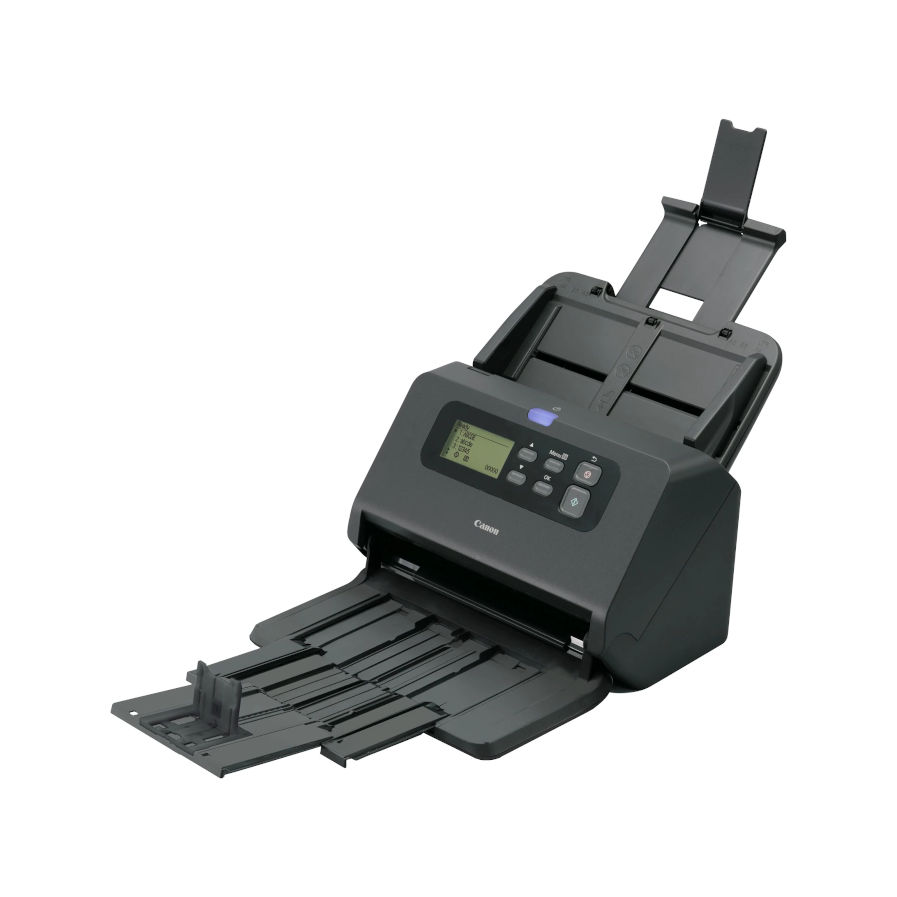
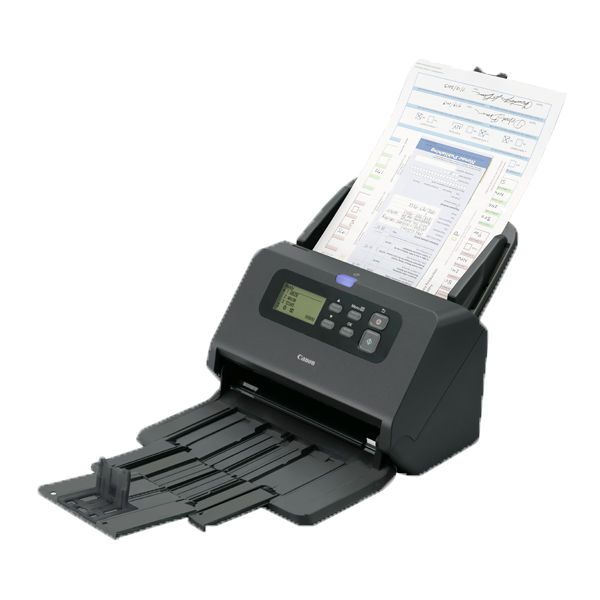
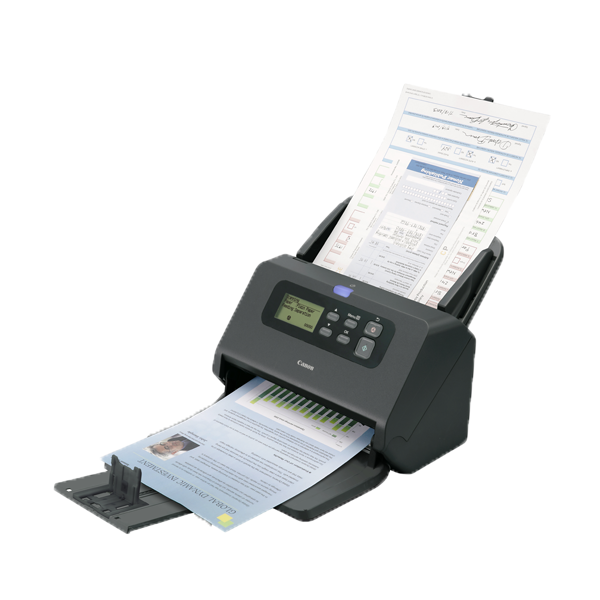


The Compact Canon imageFORMULA DR-M260 Scanner has a Small Footprint, Yet Produces a Big Performance. Robust, reliable, high-speed document scanner, offering impressive image quality with an on-board DR chip, delivering fast image processing, impressive scanning speeds and steadfast paper handling
The DR-M260 tackles media from 27 g/m2 up to 413 g/m2, also accepting credit cards, passports, and long-form documents.
The Canon DR-M260 comes bundled with intuitive software to boost productivity including Canon's CapturePerfect and Capture On Touch. Kofax VRS is also included.
Canon DR-M260 Key Benefits
- High Performance, High Image Quality
- Slender, Modern Design
- Fast Scanning Speeds
- Multi Media Versatility
- Quality and Reliability
- Simplified Scanning
High Performance, High Image Quality
The compact imageFORMULA DR-M260 has a small frame, yet produces a big performance. This dependable scanner is packed with innovative features and delivers outstanding image quality, with capture speeds of up to 60 ppm/120 ipm.
Slender, Modern Design
With its contemporary, compact body, the imageFORMULA DR-M260 integrates seamlessly into a wide variety of customer-facing environments.
Fast Scanning Speeds
The new on-board processing chip takes the strain away from PCs, unlocking scanning speeds of up to 60 ppm in black and white, and 60 ppm in full colour.
Multi Media Versatility
The DR-M260 tackles media from 27 g/m2 up to 413 g/m2, and furthers its flexible credentials by accepting credit cards, passports, and long-form documents.
Quality and Reliability
Intelligent image-refining tools are partnered with reliability-boosting features such as ultrasonic double feed detection and a double feed release button.
Simplified Scanning
Support for multiple file formats is complemented by network and SharePoint integration. Kofax VRS, and CaptureOnTouch tools are also included
Canon DR-M260 Features

Scanning Speed: 60ppm (A4)

Automatic Document Feeder: 80 Sheets

Enhanced Image Quality Using New On-Board DR processor

Double-Sided Scanning

Efficient Batch Scanning

Large LCD Panel With Five-Line Display
PDF Creation and Editing

Up To 7500 Sheets Per Day
Whats In The Box

- Scanner
- Feed Tray
- Setup Disc
- Setup Guide
- USB Cable
- AC adapter
- Power cable

Canon Included CaptureOnTouch Software
Scan, Process, Convert and Share
CaptureOnTouch is a scan application that works with Canon imageFORMULA Document Scanners through their TWAIN driver. With a user friendly and easy operation, it offers a simple and intuitive scanning experience. The multiple functionalities allow to scan to various destinations and formats and to create searchable and editable files.
Key Advantages of CaptureOnTouch
- Versatile File Saving & Sending Options - Can create multiple file formats and easily scan to multiple destinations
- Easy Operation - An easy-to-use software with intuitive icon-based operation
- Powerful OCR Processing - Easily transform and convert documents into editable and searchable files
- Index Scanning Using Zonal OCR and Barcodes
- Barcode Separation & File Naming
- Import Files From Digital to Support Combining Digital and Paper Files in One Scan Client
- Scan to Word, Excel & Email
Benefits of CaptureOnTouch
CaptureOnTouch can perform up to 3 outputs with a single scan and can create multiple file formats such as PDF, JPEG, TIFF, BMP, PDF/A, PNG, PowerPoint, Docx and Xlsx*.(*Docx and Xlsx format are available only for CaptureOnTouch V5 Pro with installing additional OCR module)
Thanks to its functions it can scan with optimal image quality, automatically organise a batch of documents and allows to create multiple files that can be stored, sent by email or uploaded to Cloud services.
Index File Function
The Standard and Pro versions allow users to setup zonal OCR fields to send files as index data or use in file naming schema and can support up to 30 languages and can recognise two fonts.
Users will be able to transform static content into smart, editable and searchable PDF thanks to the Optical Character recognition (OCR). This function allows to recognise and process texts from the scanned document, then extract and change data into binary. It also allows to edit, copy and paste from the PDF outputs, or to identify text table when saving the document to Office formats such as pptx, docsx and xlsx.
Batch Separation
Scan batches of documents into separate files or folders using a blank page, counter, zonal OCR, patch code or barcode (with optional module).
Change scan settings before pressing the ‘Scan more pages’ button to create a file with mixed content, such as images scanned from both plain paper and passports.
Scan To Apps
Send scanned documents to a comprehensive range of cloud-enabled services, including SharePoint, Google Drive, SugarSync, OneDrive and Dropbox
The software provides two scanning methods that can satisfy various needs and different Plug-ins to co-work with a variety of applications.

DR-M260 Drivers
Canon DR-M260 DriversDR-M260 Manuals
Canon DR-M260 User GuideCanon DR-M260 Options, Accessories & Consumables
Learn More About Our Support Products ⓘ
Scanner Hire
Scanner Hire Information ⓘ
Business & Public Sector
sales@responsets.co.uk