 0800 328 1088
 Mon - Fri From 9am To 5pm








2 Year Warranty Upgrade


Terms & Conditions
- Hardware Only (Bundled Software / Drivers Are Not Covered)
- UK Mainland Only (A Return To Base Policy May Apply For Certain Products and/or Parts Of The UK)
- Faults / Damage Caused By Accident, Misuse, Liquid or Fire Will Not Be Covered Under This Warranty
- This Does Not affect Your Statutory Rights
Remote Installation
When you purchase any qualifying scanner, we will remotely install the Software & Drivers for Free. Basic Set Up included
(Once your scanner has been delivered, Please call 0800 328 1088 to book in your installation)
If you do not want to take up any of these promotions please select 'Standard Warranty' in the 'Choose Warranty' option.

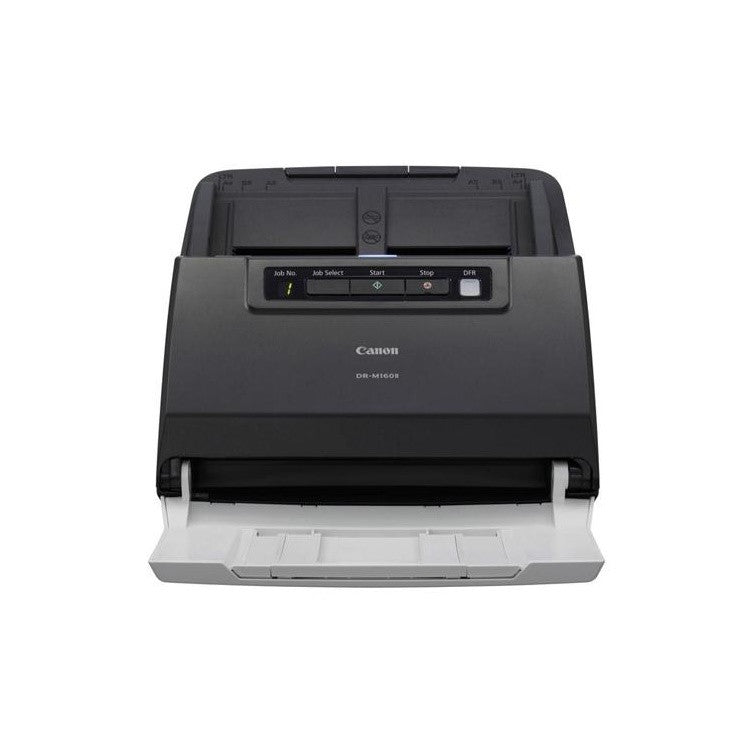
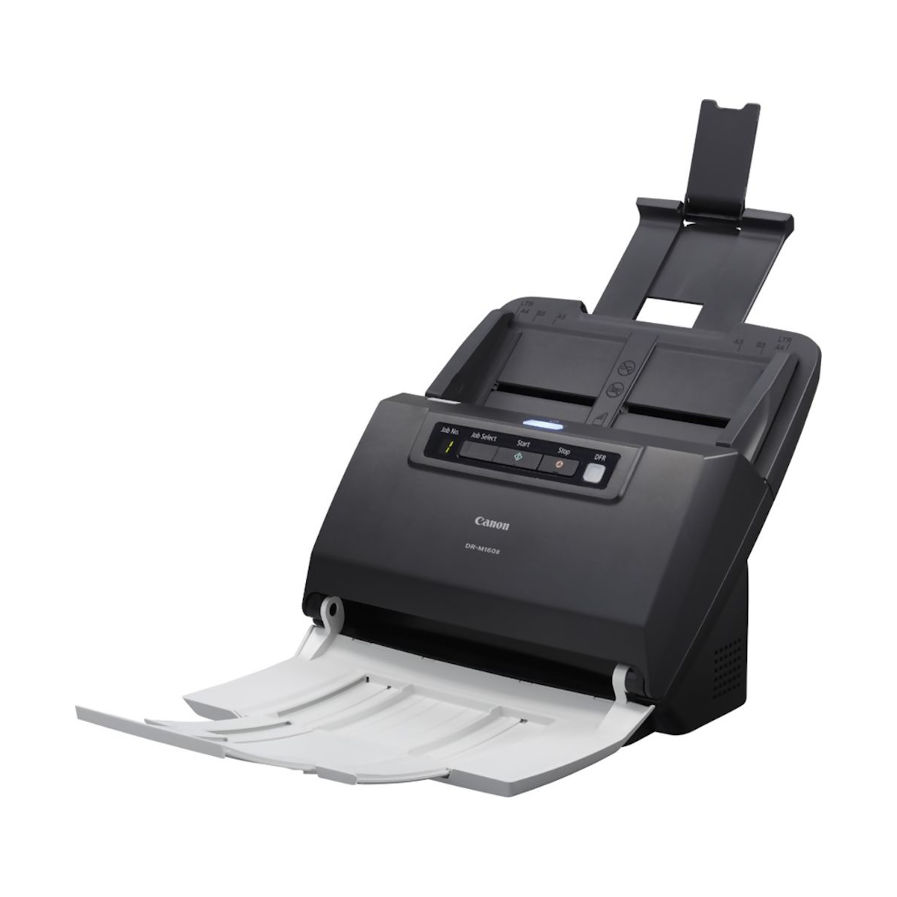
The Canon DR-M160 II is a Robust, High Speed, High Demand Scanner You Can Depend On. Powerful intelligent image processing ensures accurate and consistently superior image results with features such as advanced text enhancement, auto paper size and deskew correction.
Canon DR-M160II Key Benefits
- Fast Scanning for Paper-Intensive Environments
- Robust Efficient Design
- Trouble-free Paper Handling
- Versatile Options and Software
- Intuitive Bundled Software for Ease of Use
Fast Scanning for Paper-Intensive Environments
The Canon ImageFORMULA DR-M160II scans with speeds of up to 120 ipm at 300 dpi, delivers productive performance with a large capacity 60-sheet document feeder and robust separation mechanism. Mixed batched documents of different sizes and thickness can be reliably and quickly processed. It is ideal for OCR processing in both Windows and Mac environments.
Robust Efficient Design
The robust design includes an impressive 60-sheet feeder, which accommodates mixed batched documents to help boost productivity. The DR-M160II is designed to provide super-reliable feeding and separation of various media types; from thick to thin sheets, and from embossed cards to three metre-long documents. Built to handle up to 7000 scans/day, the DR-M160II includes heavy-duty feed rollers and a solid paper transport that make it extremely durable and able to take on heavier workloads.
Trouble-free Paper Handling
A unique separation retry system allows the scanner to automatically re-feed documents on the rare occasions when a double feed detection occurs, helping to minimise any need for user intervention. The double feed release button allows the user to quickly ignore a double feed detection and continue scanning.
Versatile Options and Software
To scan bound materials easily, connect the DR-M160II to Canon’s optional A3 Flatbed 202 or A4 Flatbed 102 scanner. Additional options include the Barcode Module III and a 2D Barcode Module.
Intuitive Bundled Software for Ease of Use
The DR-M160II comes with software that is easy to use for seamless scanning and document management. CaptureOnTouch has an intuitive user interface that incorporates a Full Auto Mode function for simplified scanning operation; and it also supports scanning to multiple file formats (PDF, PDF-A, TIFF, JPEG, BMP and PowerPoint) and connectivity to SharePoint. CapturePerfect is ideal for more mission critical batch scanning, as it provides the ultimate in viewing capabilities and send methods – including direct to folder, email and SharePoint.
Also included are the industry-leading image processing software Kofax VRS (with AIPE) and eCopy PDF Pro Office, for quickly creating, editing and converting PDF documents. Users can save further time by using a blank page separator sheet to conveniently separate batches of documents automatically (Windows only)
Canon DR-M160II Scanner Features

Scanning Speed: 60ppm (A4)

60 Sheet Automatic Document Feeder

Daily Scanning Volume

USB Connection

Double-Sided Scanning

PDF Creation and Editing

Easy, Intuitive Scanning

Efficient Batch Scanning

Enhanced Image Quality
Included Software

CaptureOnTouch 5 Pro
With CaptureOnTouch user-friendly interface you can easily scan paper documents into digital archives and save or send them to multiple destinations, including cloud services. Create searchable PDF files using its built-in OCR technology.

VRS Driver
Kofax VRS (with AIPE): Kofax VRS helps you achieve excellent image quality every time. It makes scanning simpler and easier thanks to automatic image processing, and document handling. Its industry-leading imaging quality improves readability and raises OCR recognition rates, so fewer re-scans are required. The result? You save time and money, while significant y increasing productivity (compatible with Windows only).
Whats In The Box

- Scanner
- Feed tray
- Setup Disc
- Kofax VRS disc
- eCopy PDF Pro disc
- Documentation
- USB Cable
- AC adapter
- Power cable


Canon Included CaptureOnTouch Software
Scan, Process, Convert and Share
CaptureOnTouch is a scan application that works with Canon imageFORMULA Document Scanners through their TWAIN driver. With a user friendly and easy operation, it offers a simple and intuitive scanning experience. The multiple functionalities allow to scan to various destinations and formats and to create searchable and editable files.
Key Advantages of CaptureOnTouch
- Versatile File Saving & Sending Options - Can create multiple file formats and easily scan to multiple destinations
- Easy Operation - An easy-to-use software with intuitive icon-based operation
- Powerful OCR Processing - Easily transform and convert documents into editable and searchable files
- Index Scanning Using Zonal OCR and Barcodes
- Barcode Separation & File Naming
- Import Files From Digital to Support Combining Digital and Paper Files in One Scan Client
- Scan to Word, Excel & Email
Benefits of CaptureOnTouch
CaptureOnTouch can perform up to 3 outputs with a single scan and can create multiple file formats such as PDF, JPEG, TIFF, BMP, PDF/A, PNG, PowerPoint, Docx and Xlsx*.(*Docx and Xlsx format are available only for CaptureOnTouch V5 Pro with installing additional OCR module)
Thanks to its functions it can scan with optimal image quality, automatically organise a batch of documents and allows to create multiple files that can be stored, sent by email or uploaded to Cloud services.
Index File Function
The Standard and Pro versions allow users to setup zonal OCR fields to send files as index data or use in file naming schema and can support up to 30 languages and can recognise two fonts.
Users will be able to transform static content into smart, editable and searchable PDF thanks to the Optical Character recognition (OCR). This function allows to recognise and process texts from the scanned document, then extract and change data into binary. It also allows to edit, copy and paste from the PDF outputs, or to identify text table when saving the document to Office formats such as pptx, docsx and xlsx.
Batch Separation
Scan batches of documents into separate files or folders using a blank page, counter, zonal OCR, patch code or barcode (with optional module).
Change scan settings before pressing the ‘Scan more pages’ button to create a file with mixed content, such as images scanned from both plain paper and passports.
Scan To Apps
Send scanned documents to a comprehensive range of cloud-enabled services, including SharePoint, Google Drive, SugarSync, OneDrive and Dropbox
The software provides two scanning methods that can satisfy various needs and different Plug-ins to co-work with a variety of applications.

DR-M160II Drivers
Canon DR-M160II DriversDR-M160II Manuals
Canon DR-M160II User GuideCanon DR-M160II Options, Accessories & Consumables
Learn More About Our Support Products ⓘ
Scanner Hire
Scanner Hire Information ⓘ
Business & Public Sector
sales@responsets.co.uk