 0800 328 1088
 Mon - Fri From 9am To 5pm


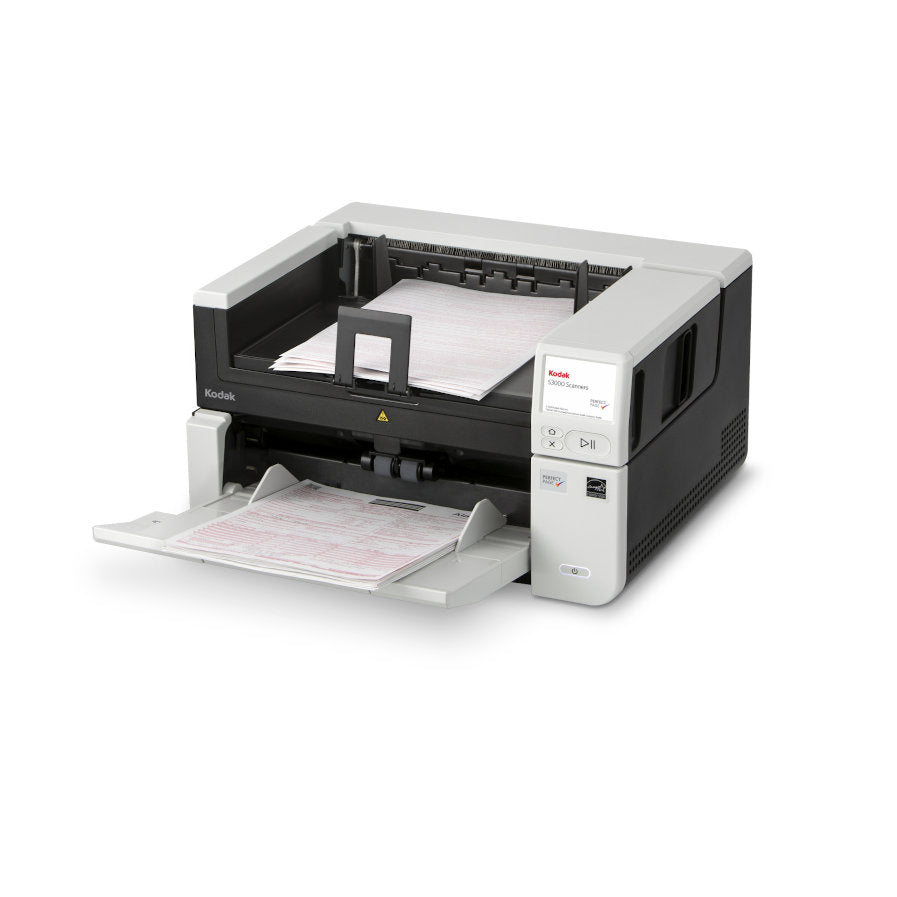
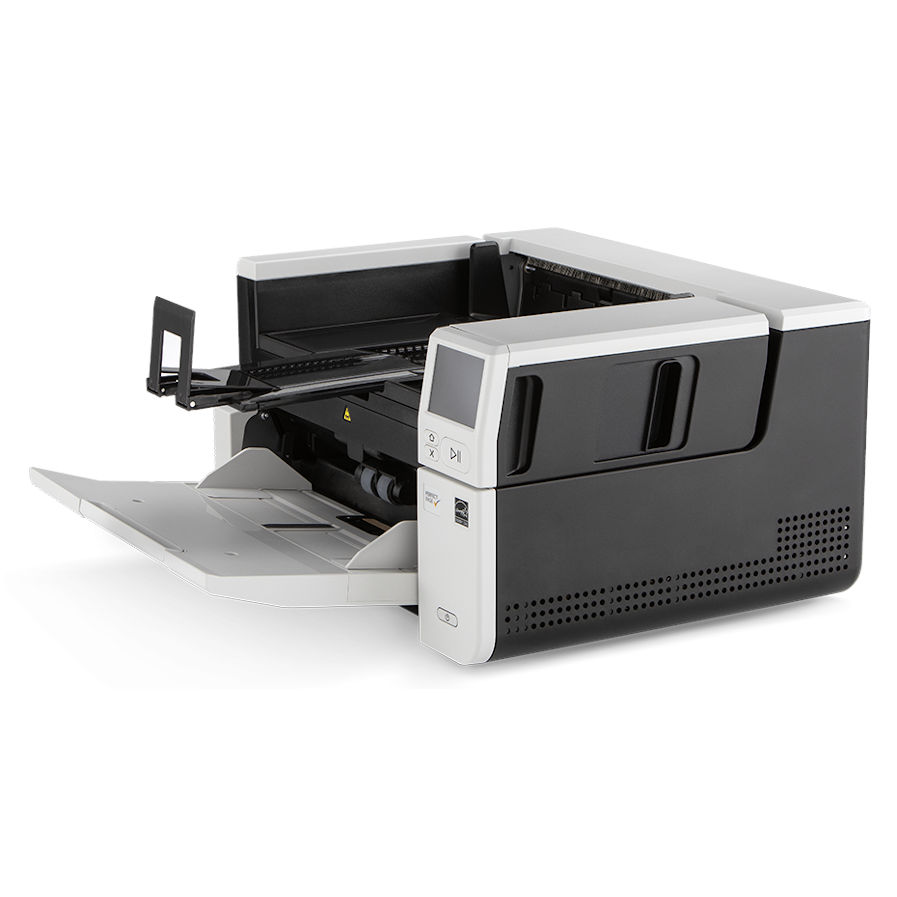


The KODAK S3100 Document Scanner is ideal for any document-heavy process that needs to convert paper into business-critical information
The S3100 A3 Scanner is ideal for any document-heavy process that needs to digitise business-critical data trapped on paper at the edge of your processes. With industry-leading image enhancement technology to optimise OCR accuracy while reducing file size, reliable paper handling to minimise document damage and time spent at the scanner, and free to use software that empowers users to distribute data to where it is needed from the push of a button.
Kodak S3100 Key Benefits
- 100 pages per minute & 300 Sheet Auto Document Feeder
- Share Data at the Touch of a Button
- On-Board Image Processing
- Reliable & Smooth Document Handling
- Perfect Page Superior Image Quality
- Multi-User Connectivity & Security
- Scans Tachographs - Easily Scan Tachographs Clearly and Fast
Share Data at the Touch of a Button
Documents that are scanned may need to be distributed to individuals, teams, or systems for automation or storage to be actioned. This can require a multi-step process of scanning to PC, finding the file, renaming the file, attaching to an email, or opening and finding a location in a system.
This scanner offers a large, intuitive colour touchscreen and the ability to quickly configure personalised buttons for multiple users. Plus the simplicity of bundled Smart Touch technology, which allows you to get data where it is needed from the push of a button, improving scanning speeds and minimising post-scan steps.
On-Board Image Processing
The S3000 Series produces the very best image quality capable from within the scanner, without any impact on the rated speed of the scanner or impact on the bandwidth of the PC. The built-in Image Processing takes away that dependence on a high-powered PC, with a powerful embedded processor that handles image processing at the scanner rather than the PC. And Intelligent Barcode Reading produces the most accurate data extraction results and makes document prep easier.
Reliable & Smooth Document Handling
A straight-through paper path and adjustable feeders enhance smooth, safe document handling. Mix weights and sizes in any batch without a hiccup from the big 300-sheet feeder with controlled exit stacking for mixed-batch handling accuracy. Safeguard originals with Intelligent Document Protection (IDP) that alerts you to issues before they become jams, as do our superb multi-feed detection sensors. Benefits: Faster with minimal misfeeds to minimise the total time spent at the scanner Better security with Intelligent document protection to reduce document damage and lost data
Perfect Page Superior Image Quality
Because image quality and accuracy are everything for superior OCR, searchable pdf’s and barcode reading, Perfect Page technology turns even poor-quality originals into crisp images automatically. Features like streak removal, background smoothing, image edge fill, and others greatly enhance quality. You’ll minimize manual data entry and be ready for future technologies like RPA (Robotic Process Automation) to further streamline repetitive tasks and free up your workforce.
Benefits:- Maximise data readability, OCR accuracy, automation rate, profitability, file transportation, and speeds
- Minimise file size, storage costs, data loss, automation failure total cost of processing, waiting times
Multi-User Connectivity & Security
Not being able to access data because you cannot use the scanner can be frustrating – processes are put on hold. In work environments where multiple people need to occasionally scan batches, a dedicated scanner per person makes little financial sense and so teams go through the awkward, time-consuming process of sharing. The network capability of the scanner means that the scanner is visible to any PC on the network.
Benefits:- This allows the scanner to be shared without any moving of laptops or wires, or the need for purchasing of extra IT equipment – saving time and money
- Secure your scans over a network with HTTPS and TLS encryption standards.
- Make IT happy with a secure boot solution to ensure only trusted firmware can load
Scans Tachographs - Easily Scan Tachographs Clearly and Fast
Kodak S3100 Scanner Features

Simplified Scanning
Large intuitive colour touchscreen, personalised workflows, and Smart Touch technology to automate complicated tasks

Superior Image Processing
Slashes demands on your PC with a powerful embedded processor to speed scanning and boost efficiency

Enhanced Security
Secure-boot solution, encryption over wire for network traffic, and USB 3.2 Gen 1x1-compatible

Scan Directly To Apps
Import information directly into applications with TWAIN, ISIS, or RESTful API based scanning

Included Software
Smart Touch
Kodak Capture Pro Software Limited Edition
Optional Upgrade Software
Kodak Capture Pro Software
 Kodak Capture Pro Brochure

S3100 Drivers
Kodak S3100 DriversS3100 Manuals
Kodak S3100 User GuideKodak S3100 Warranty, Software, Accessories & Consumables
Learn More About Our Support Products ⓘ
Scanner Hire
Scanner Hire Information ⓘ
Business & Public Sector
sales@responsets.co.uk