 0800 328 1088
 Mon - Fri From 9am To 5pm



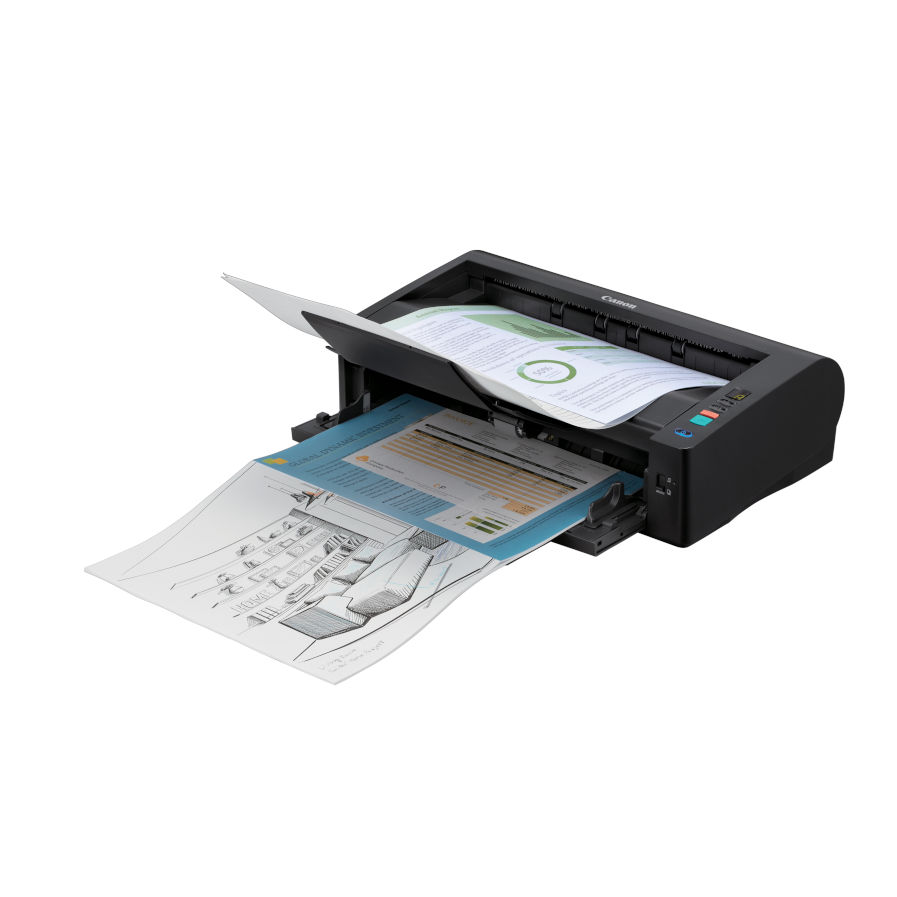
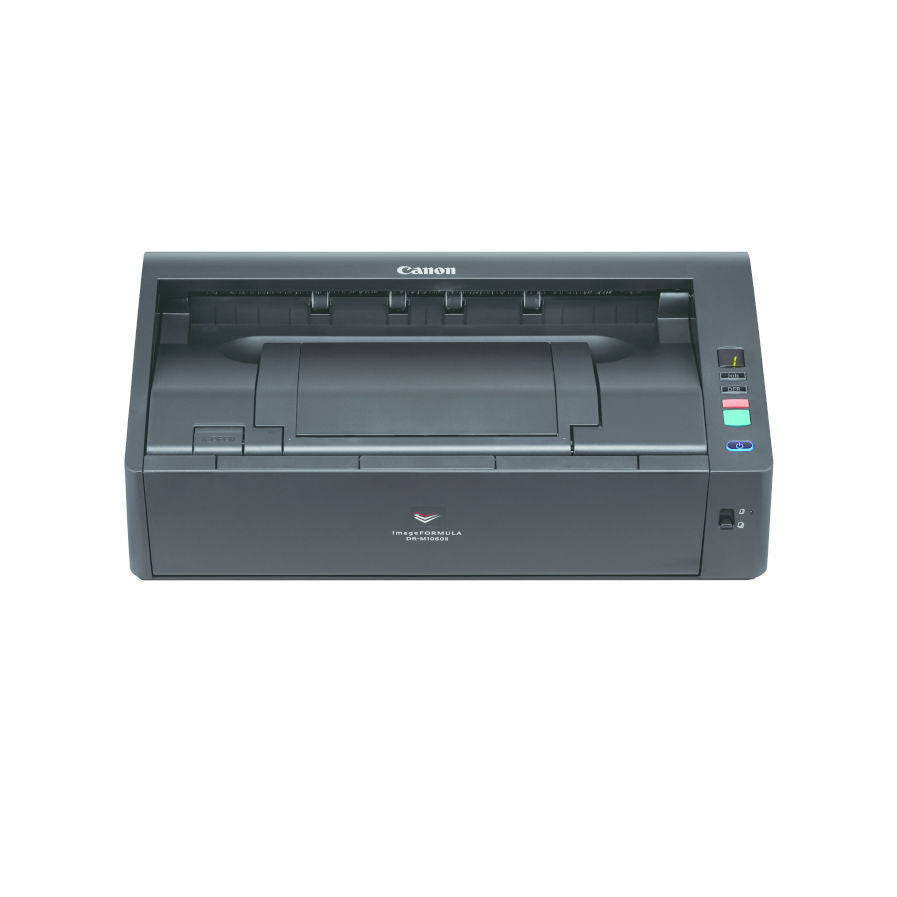

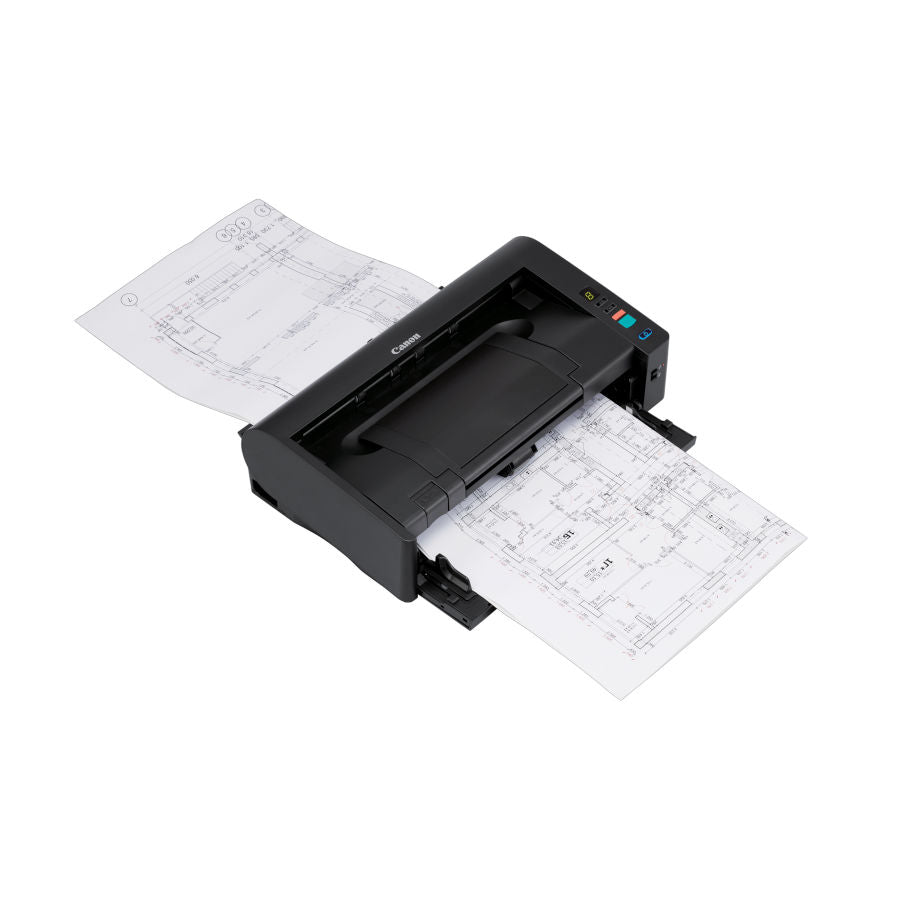


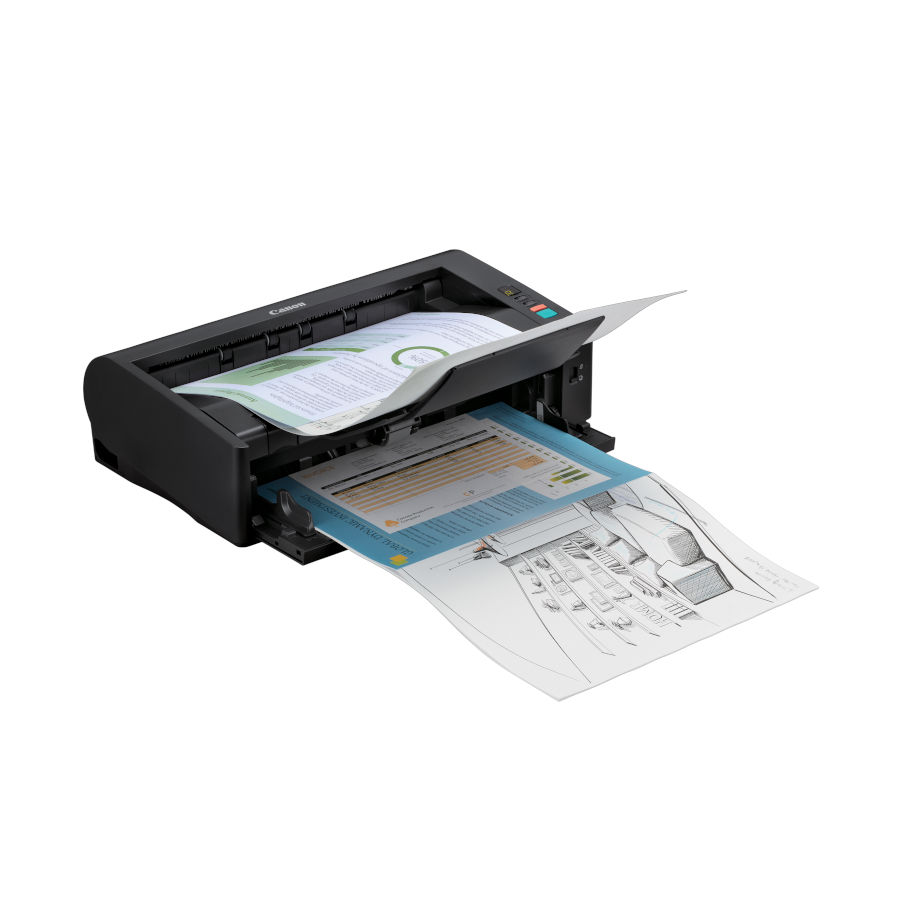


Canon imageFORMAULA DR-M1060II is a uniquely compact, eco-friendly and reliable A3 desktop scanner that helps creating smooth workflows and capturing multiple document types and formats. With a U-turn and selectable straight-through paper path. The DR-M1060II is perfect for reliably scanning various document types up to A3 size, while keeping footprint low.

Canon DR-M1060II Key Benefits
- Ultra-Compact A3 Scanner
- Reliable and Versatile Paper Handling
- Productive scanning up to 120ipm
- Perfect Image Processing
- Bundled Software to Improve Productivity
- Optional Extras
- Eco-Friendly: Energy Efficient
Ultra-Compact A3 Scanner
The DR-M1060II is a uniquely compact A3 scanner – ideal in corporate office departments or decentralised branch offices that have limited desktop space but require A3 scanning. Users will appreciate the comfortable and convenient operation of the front document feed and exit design
Reliable and Versatile Paper Handling
The U-turn and selectable straight paper path with robust feeder mechanism allows for smooth scanning of a variety of media types, including embossed cards, thick and thin media or 3m-long documents. Using Folio mode, it is also possible to scan A1 size documents. The DR-M1060II includes an array of technology for reliable paper handling. Ultrasonic double feed detection helps prevent lost images, while the Double Feed Release (DFR) feature reduces interruptions by allowing users to quickly ignore and continue scanning in special cases.
Productive Scanning Up To 120ipm
The DR-M1060II is extremely productive with ultra-fast duplex scanning speeds of up to 120ipm (A4) and a 80-sheet document feeder. Despite its small size, it is built for handling big workloads of up to 13,000 documents a day.
Perfect Image Processing
Enjoy perfect image results with the DR-M1060II’s host of advanced image processing features, such as advanced text enhancement that produces clear legible images even from feint text originals. Additional features like Auto Colour Detection, Auto Size and Deskew Correction, Text Orientation Correction and Customised Colour Dropout further enhance image quality and consistency.
Bundled Software to Improve Productivity
Enjoy quick and effortless scanning with CaptureOnTouch Pro software for both ad-hoc and routine tasks, for scanning larger batches of documents, plus flexible options like scan-to-folder, email and SharePoint.
Optional Extras
The DR-M1060II comes with a host of optional accessories to maintain a high level of productivity. Scan bound books, journals and fragile media with the A4 optional Flatbed Scanner unit. These USB-connected dual-scanning flatbed units work seamlessly with the DR-M1060II, letting you smoothly apply the same image-enhancement features to any scan. A 2D Barcode Module is also available that enables barcode recognition of QR codes, PDF417 and Data Matrix formats through the ISIS/TWAIN drivers.
Eco-Friendly: Energy Efficient
Minimise your environmental impact using energy-efficient device made from more than 20% recycled materials and with environmentally friendly packaging.
Canon DR-M1060II Scanner Features

Scanning Speed: 60ppm (A4)

USB Connection

Double-Sided Scanning

Easy, Intuitive Scanning
Included Canon Software

CaptureOnTouch 5 Pro
With CaptureOnTouch Pro user-friendly interface you can easily scan paper documents into digital archives and save or send them to multiple destinations, including cloud services. Create searchable PDF files using its built-in OCR technology.
Whats In The Box

- Scanner
- Setup Disc
- Documentation
- USB Cable
- AC adapter
- Power cable


Canon Included CaptureOnTouch Software
Scan, Process, Convert and Share
CaptureOnTouch is a scan application that works with Canon imageFORMULA Document Scanners through their TWAIN driver. With a user friendly and easy operation, it offers a simple and intuitive scanning experience. The multiple functionalities allow to scan to various destinations and formats and to create searchable and editable files.
Key Advantages of CaptureOnTouch
- Versatile File Saving & Sending Options - Can create multiple file formats and easily scan to multiple destinations
- Easy Operation - An easy-to-use software with intuitive icon-based operation
- Powerful OCR Processing - Easily transform and convert documents into editable and searchable files
- Index Scanning Using Zonal OCR and Barcodes
- Barcode Separation & File Naming
- Import Files From Digital to Support Combining Digital and Paper Files in One Scan Client
- Scan to Word, Excel & Email
Benefits of CaptureOnTouch
CaptureOnTouch can perform up to 3 outputs with a single scan and can create multiple file formats such as PDF, JPEG, TIFF, BMP, PDF/A, PNG, PowerPoint, Docx and Xlsx*.(*Docx and Xlsx format are available only for CaptureOnTouch V5 Pro with installing additional OCR module)
Thanks to its functions it can scan with optimal image quality, automatically organise a batch of documents and allows to create multiple files that can be stored, sent by email or uploaded to Cloud services.
Index File Function
The Standard and Pro versions allow users to setup zonal OCR fields to send files as index data or use in file naming schema and can support up to 30 languages and can recognise two fonts.
Users will be able to transform static content into smart, editable and searchable PDF thanks to the Optical Character recognition (OCR). This function allows to recognise and process texts from the scanned document, then extract and change data into binary. It also allows to edit, copy and paste from the PDF outputs, or to identify text table when saving the document to Office formats such as pptx, docsx and xlsx.
Batch Separation
Scan batches of documents into separate files or folders using a blank page, counter, zonal OCR, patch code or barcode (with optional module).
Change scan settings before pressing the ‘Scan more pages’ button to create a file with mixed content, such as images scanned from both plain paper and passports.
Scan To Apps
Send scanned documents to a comprehensive range of cloud-enabled services, including SharePoint, Google Drive, SugarSync, OneDrive and Dropbox
The software provides two scanning methods that can satisfy various needs and different Plug-ins to co-work with a variety of applications.

DR-M1060 Drivers
Canon DR-M1060 DriversDR-M1060 Manuals
Canon DR-M1060 User GuideCanon DR-M1060II Options, Accessories & Consumables
Learn More About Our Support Products ⓘ
Scanner Hire
Scanner Hire Information ⓘ
Business & Public Sector
sales@responsets.co.uk