 0800 328 1088
 Mon - Fri From 9am To 5pm



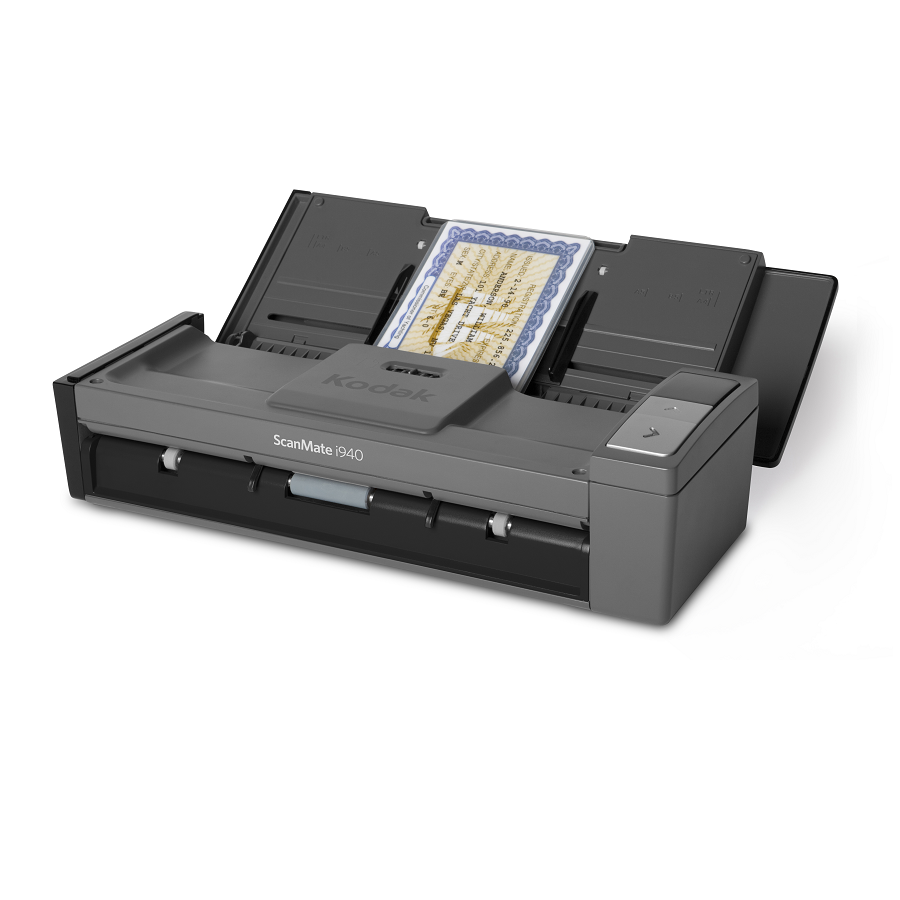
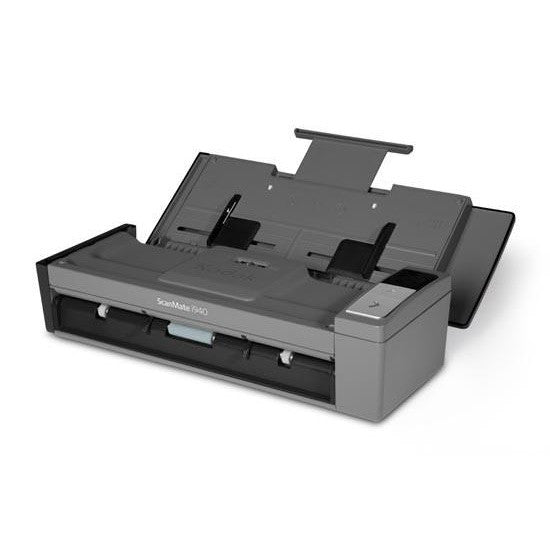


KODAK SCANMATE i940 Scanner Powers Up Productivity with Scanning to the Cloud and a Compact and Portable Design.
Kodak i940 Key Features
- Saves time - Smart Touch performs multiple-step scanning and organizing operations automatically
- Saves space - Compact, highly portable scanner takes up less desk space
- Scans anywhere - USB-powered to provide the power of a desktop scanner with the flexibility of a mobile scanner
- Plays well with others - Compatible with most scanning software
-
Creates sharp images – even better than many originals
- Perfect Page document imaging is built in - for great images with bright colors and crisp text
- Scans many sizes and weights - 20-sheet automatic document feeder even handles business cards, ID cards, and embossed hard cards
- Keeps contacts up to date - Easily edit and synchronize business card information in your contact application(s)
- Delivers peace of mind - Three-year limited warranty on a wellmade, proven scanner
- Lets you remotely manage - Available Kodak Asset Management Software for remote management of select Kodak Scanners on your network, including the i940 Scanner (Visit kodakalaris.com/go/AssetManagement to learn more)
Scanner Overview
To make information capture and distribution even more foolproof, the ScanMate i940 Scanner uses Smart Touch functionality – so the push of one button replaces complicated multi-step scanning processes. Easily create email attachments, image files, and searchable PDFs – and send your documents securely to the Cloud, so they can be accessed anywhere, anytime.
Powered via USB, the very compact i940 Scanner also lets you scan on-the-go. It’s compact but delivers big impact.
Open up new scanning, information capture, and sharing possibilities with the freedom and power of the Kodak ScanMate i940 Scanner.
Simplicity at Your Fingertips
Capture, manage, and distribute information with ease and speed
The perfect compact desktop and mobile scanning teammate
If you need to scan, store, manage, and send information to various locations and people within your organization with ease, you need a Kodak ScanMate i940 Scanner. It moves your valuable information from paper into your workflow quickly and intuitively.

Included Software
Smart Touch
Kodak Capture Pro Software Limited Edition
Optional Upgrade Software
Kodak Capture Pro Software
 Kodak Capture Pro Brochure

i940 Drivers
Kodak i940 Driversi940 Manuals
Kodak i940 User GuideKodak i940 Warranty, Software, Accessories & Consumables
Learn More About Our Support Products ⓘ
Scanner Hire
Scanner Hire Information ⓘ
Business & Public Sector
sales@responsets.co.uk