 0800 328 1088
 Mon - Fri From 9am To 5pm



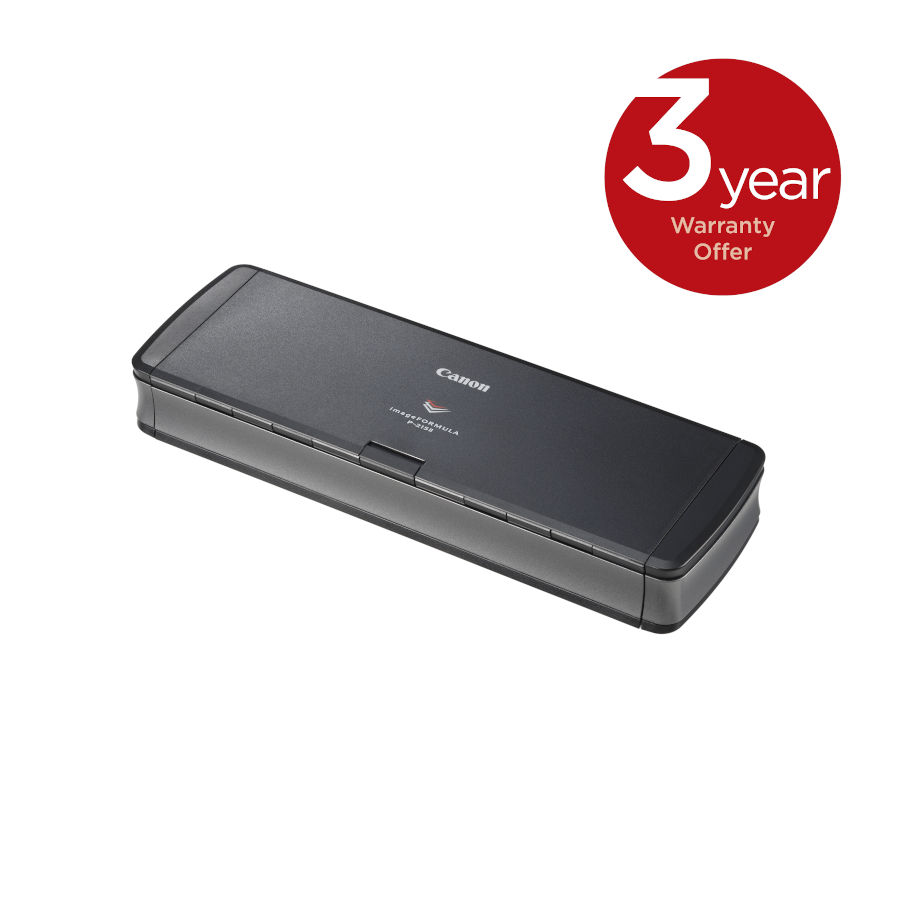
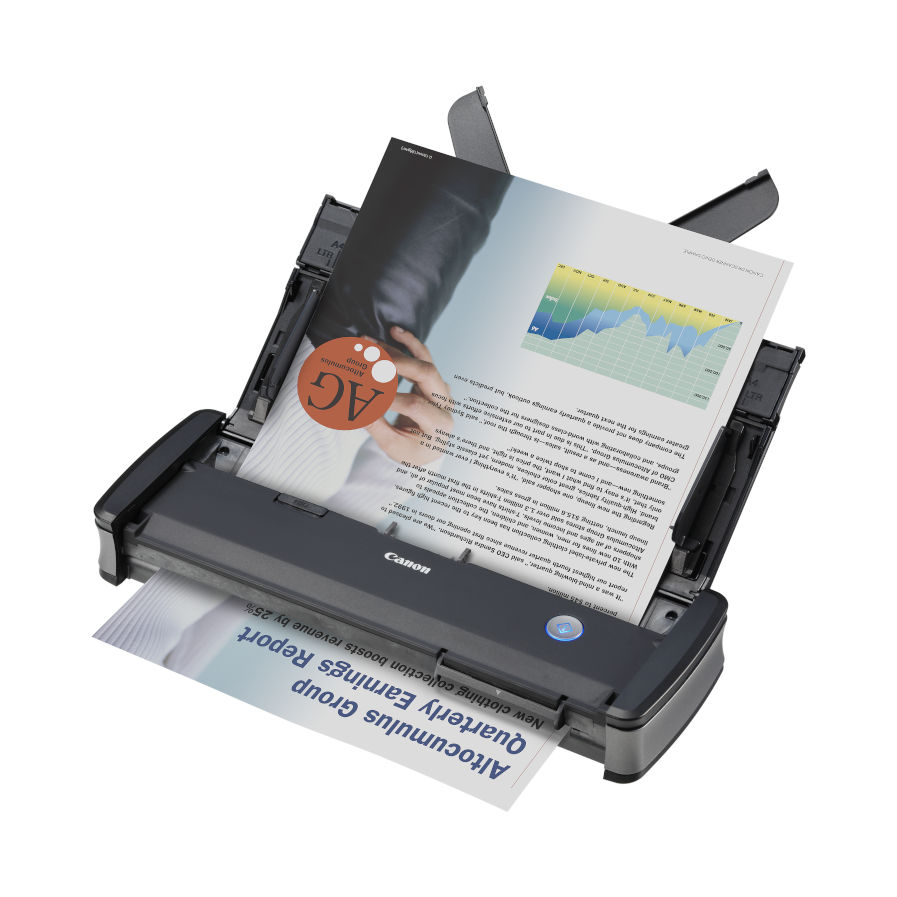


The Canon imageFORMULA P-215II is the most productive scanner in its class. With double-sided USB-powered scanning up to 30ipm and a 20-page automatic document feeder users can scan efficiently, in the office, at home or on the move. The P-215II has a strong robust design for handling up to 500 documents a day.
Canon P-215II Key Benefits
- USB-Powered Scanning
- Ultra Compact For Space Saving and Mobility
- Dedicated ID Card Scanning Slot
- Supports ID and embossed card scanning
- Enhanced Image Processing
- Powerful Software Suite
- Direct Scanning to the Cloud

USB-Powered Scanning
In the office, at home or on the move the stylish P-215II has true plug-and-scan convenience. It is the fastest, portable scanner with duplex scanning speeds of up to 30ipm.
Ultra Compact For Space Saving and Mobility
With a smart, compact design, the ultra-lightweight P-215II is ideal for both users on the move and in the office. Its small footprint allows the scanner to fit comfortably into travel cases and onto busy desktops. True plug-and-scan is possible by simply connecting the scanner to any PC. Canon’s unique built in CaptureOnTouch Lite software is ready to go – without any need to load drivers or application software.
Dedicated ID Card Scanning Slot
The Canon imageFormula P-215II comes complete with a dedicated card scanning slot for id and embossed cards. With card scanning becoming increasingly important for ID authentication, the P-215II has a sophisticated switchback feed mechanism ensures it quickly scans ID and embossed cards.
Enhanced Image Processing
Advanced technology allows for high precision scanning up to 600dpi. A rich range of image processing features, such as auto colour detection, auto text orientation recognition, ensure superb scan quality that is ideal for creating searchable PDFs using OCR.
Powerful Software Suite
The P-215II uses both ISIS and TWAIN drivers to allow for easy integration with your standard imaging application and includes a full-suite of software applications to help users work more effectively. The intuitive icon-based user interface of the bundled CaptureOnTouch software makes scanning quick and simple – while the Full Auto Mode function automatically applies the best settings for each scanning job. PageManager (Mac) and PaperPort (Windows) provide effective file management and conversion tools; while scanning business cards has never been easier with the BizCard application.
Direct Scanning to the Cloud
Thanks to the bundled plug-ins, users have the option to scan direct from CaptureOnTouch to a range of cloud services, including Evernote, Google Drive™, SharePoint, SugarSync, DropBox and OneDrive. This allows information to be quickly uploaded to the cloud, for anywhere, anytime access.
Flexible Wireless Scanning
For the freedom to scan wherever you are, combine the P-215II with the optional WU10 Wi-Fi and battery unit. Use it to wirelessly scan documents directly to your smart phone, tablet or desktop PC, or share the scanner amongst a group of users or devices via a network server or home router.

Scanning speed
A4

Automatic
document feeder

Daily Scanning
Volume

USB
Connection

Double-sided
Scanning

Windows & Mac
Compatible

Easy, Intuitive
Scanning

Plug
& Play
Mac user
Please make sure you download the latest drivers/software from Canon.co.uk.
- Current TWAIN driver for Ventura / Sonoma / Sequoia / Tahoe V1.10
- Current Software version for Monterey / Ventura / Sonoma / Sequoia V4.15
- RTS cannot support any issues that arise from Installing Mac Drivers/Software
- Please contact Canon support for further information


P-215II Drivers
Canon P-215II DriversP-215II Manuals
Canon P-215II User GuideCanon P-215II Options, Accessories & Consumables
Learn More About Our Support Products ⓘ
Scanner Hire
Scanner Hire Information ⓘ
Business & Public Sector
sales@responsets.co.uk