 0800 328 1088
 Mon - Fri From 9am To 5pm





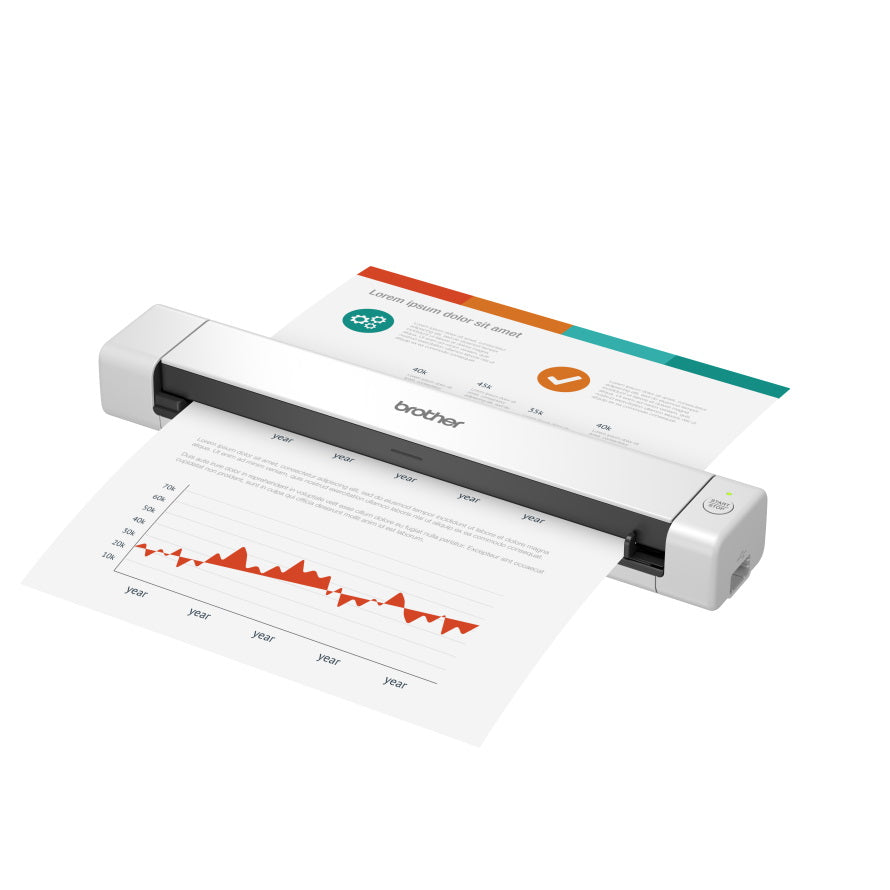


DS-640 Key Features
- Single-sided A4 scanning up to 15 pages per minute
- Simple and Intuitive Scanning
- Convenient Document Management
- Easy To Use Software
- Mixed Media Versatility, High-quality Scans
- Compact and Portable
- Power directly from a USB
Simple and Intuitive Scanning
Scans documents up to A4, as well as plastic ID cards and receipts.
With an easy to understand interface, scanning business document is a simple, straight-forward task. Combined with a variety of image processing technologies and convenient saving options, you will not be disappointed with the flexibility that a portable document scanner offers.
- Intuitive interface
- Integration with document management systems
- Powered by USB
Convenient Document Management
Whether in a reception area where space is limited or when you are working out on the road, keeping on top of paperwork can be a challenge. Portable scanners bring a new way of working. Measuring slightly wider than an A4 sheet of paper, documents are scanned easily and the small foot print makes portable scanners the perfect solution.
- Lightweight and compact
- Industry leading software to scan documents, receipts and ID cards
- Robust build quality
Easy To Use Software
The ability to scan, save and share information effortlessly, makes this model a real asset to anyone that works in the field or where space is a premium. Turning paper documents into digital files ensures your information is easier to find, safer and more convenient to edit and share.
Mixed Media Versatility, High-quality Scans
Designed to scan a wide range of documents including A4 documents, ID cards and receipts makes the DSmobile DS-640 a true work companion. With a built-in, dedicated roller system, your documents are smoothly fed-through, guaranteeing high-quality, digital files are created every time.


Compact and Portable
Lightweight and compact, the DSmobile DS-640 easily fits into your laptop bag allowing you to scan when and where you need to.
Power Directly From a USB
Wherever there’s a PC there’s power – just connect the device to a USB port for a portable power supply.
What's in The Box
- DS-640
- Quick setup guide
- Product safety guide
- USB cable,
- Warranty

DS-640 Drivers
Brother DS-640 DriversDS-640 Manuals
Brother DS-640 User Guide
Brother DS-640 Accessories & Consumables
Scanner Hire
Scanner Hire Information ⓘ
Business & Public Sector
sales@responsets.co.uk